Overview
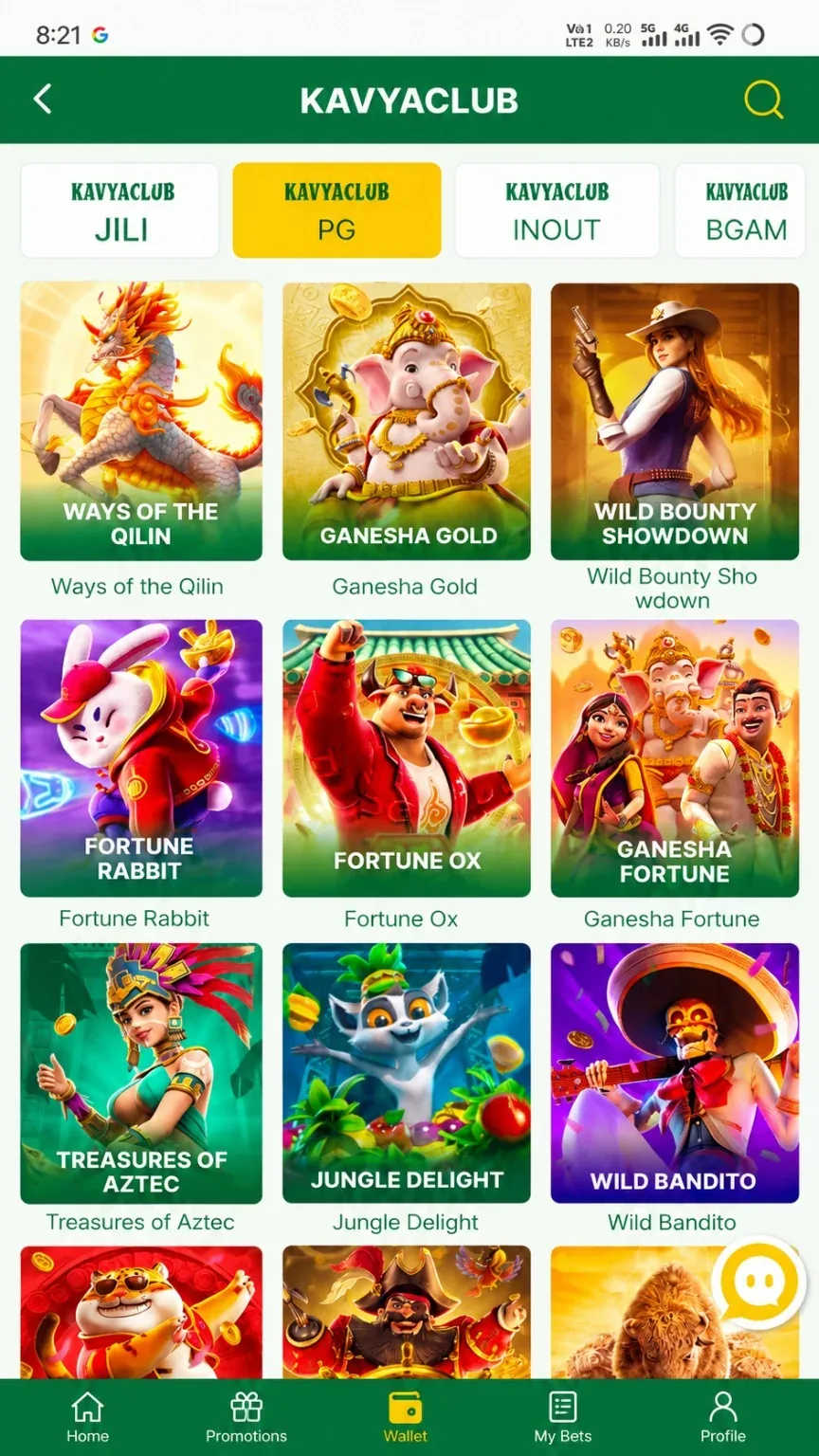
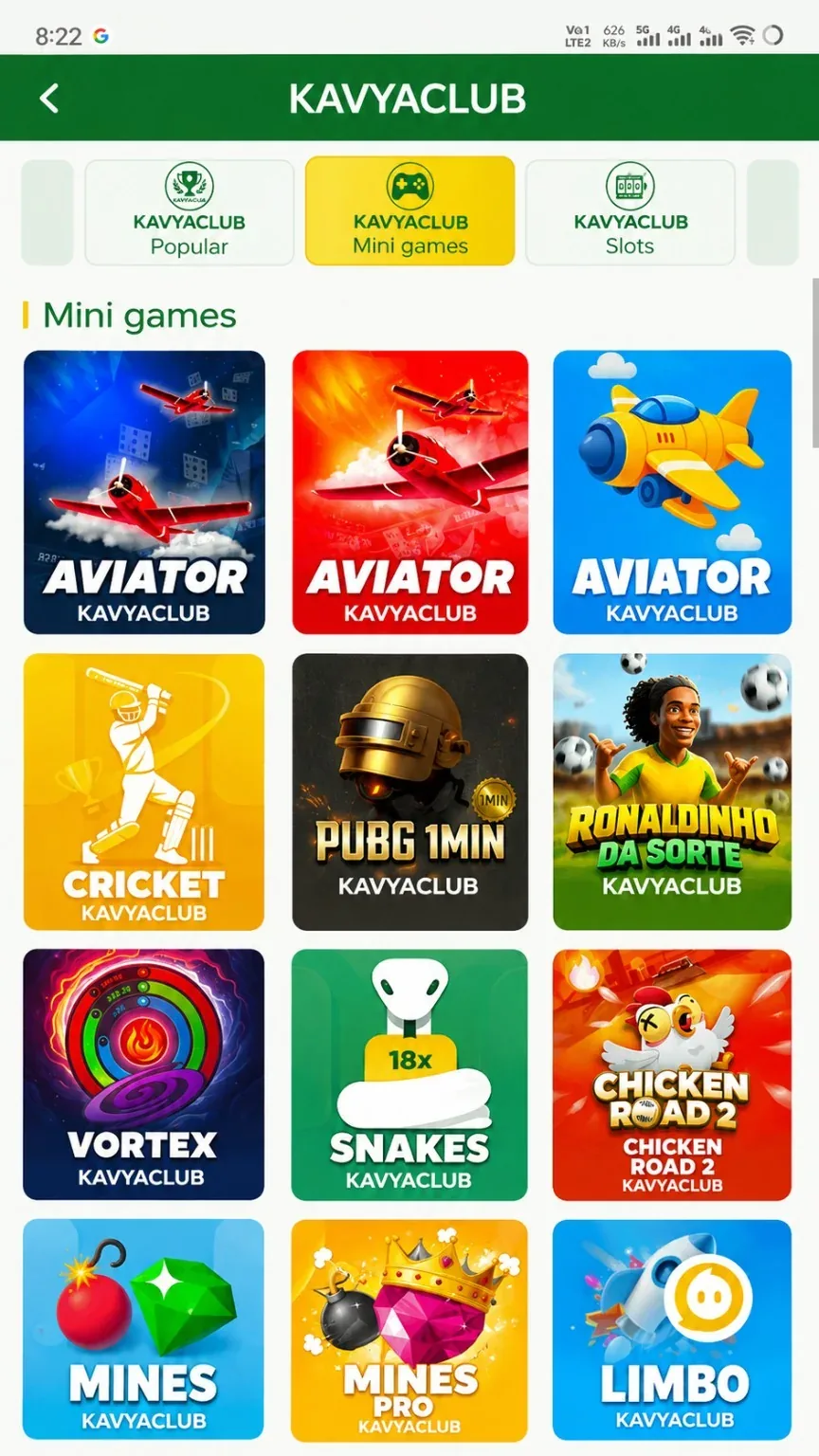
The casino lobby may show live dealer tables and provider categories. Table limits, rules, side options and settlement can differ by game. Enter only a table whose minimum and maximum limits match the pre-set budget.
Before you start
- Read the rules for the selected table game.
- Check the minimum and maximum table limits.
- Use a reliable connection and set a session end time.

Step-by-step instructions
- Open Casino and choose the correct provider or table category.
- Check the table title, language and minimum limit before entering.
- Read the rules and any side-option conditions.
- Select only an amount within the fixed session budget.
- Wait for the dealer or game interface to confirm acceptance.
- Review completed rounds in the table history or My Bets.
- Leave the table when the session limit is reached or concentration drops.
Common problems and solutions
| Problem | What to check |
|---|---|
| Table unavailable | Choose another available table rather than using an unofficial link. |
| Limit too high | Exit and select a lower-limit table. |
| Video freezes | Do not repeat actions blindly; reconnect and check My Bets first. |
| Round disputed | Record the table, time and round reference and contact verified support. |
Safety notes
Important: Never let another person control your account or screen while a live table is open.
Responsible participation
Fast rounds can increase spending quickly. Use time reminders, breaks and a firm session limit.
Related help
Use the related-guide cards below to continue with the next account, payment, game or safety step.
Frequently asked questions
Why do table limits differ?
Each table or provider can set its own minimum and maximum amounts.
What should I do after a connection drop?
Reconnect, check My Bets and confirm whether the previous action was accepted before doing anything else.
Are side options lower risk?
No. Read their separate rules and treat every option as uncertain.