What this Kavyaclub link page is for
This page gives one clear starting point for people looking for Kavyaclub account access, registration, login, app and help pages. Search results, shared messages and old bookmarks can sometimes point to outdated or copied destinations. Use the navigation on Kavyaclub.in, check the address shown in your browser and open account pages from a current page instead of relying on an old screenshot or forwarded link.
How to use the Kavyaclub link safely
- Start from Kavyaclub.in and confirm the spelling in the browser address bar.
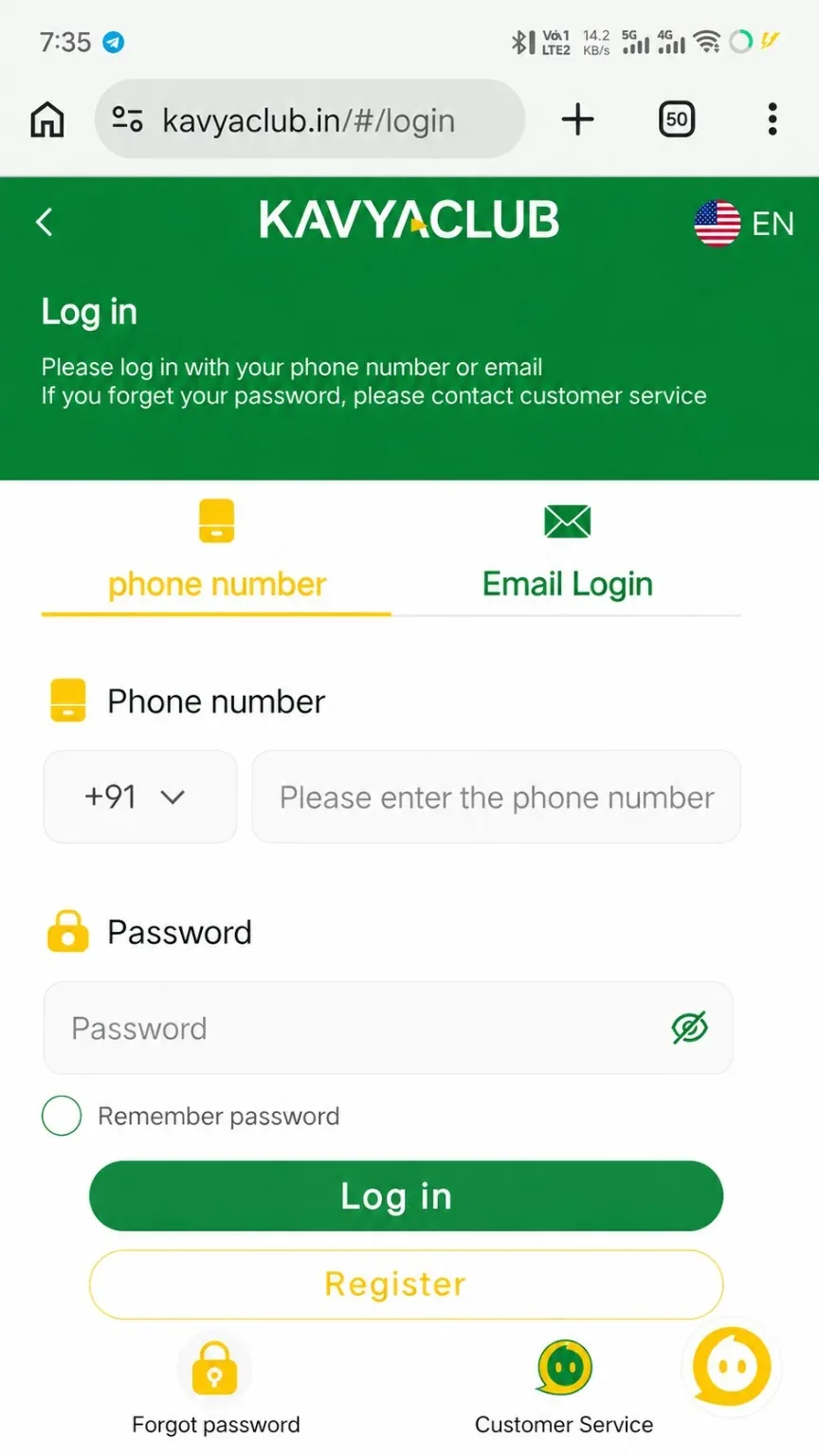
- Use the Register or Login buttons shown on the site when you need account access.
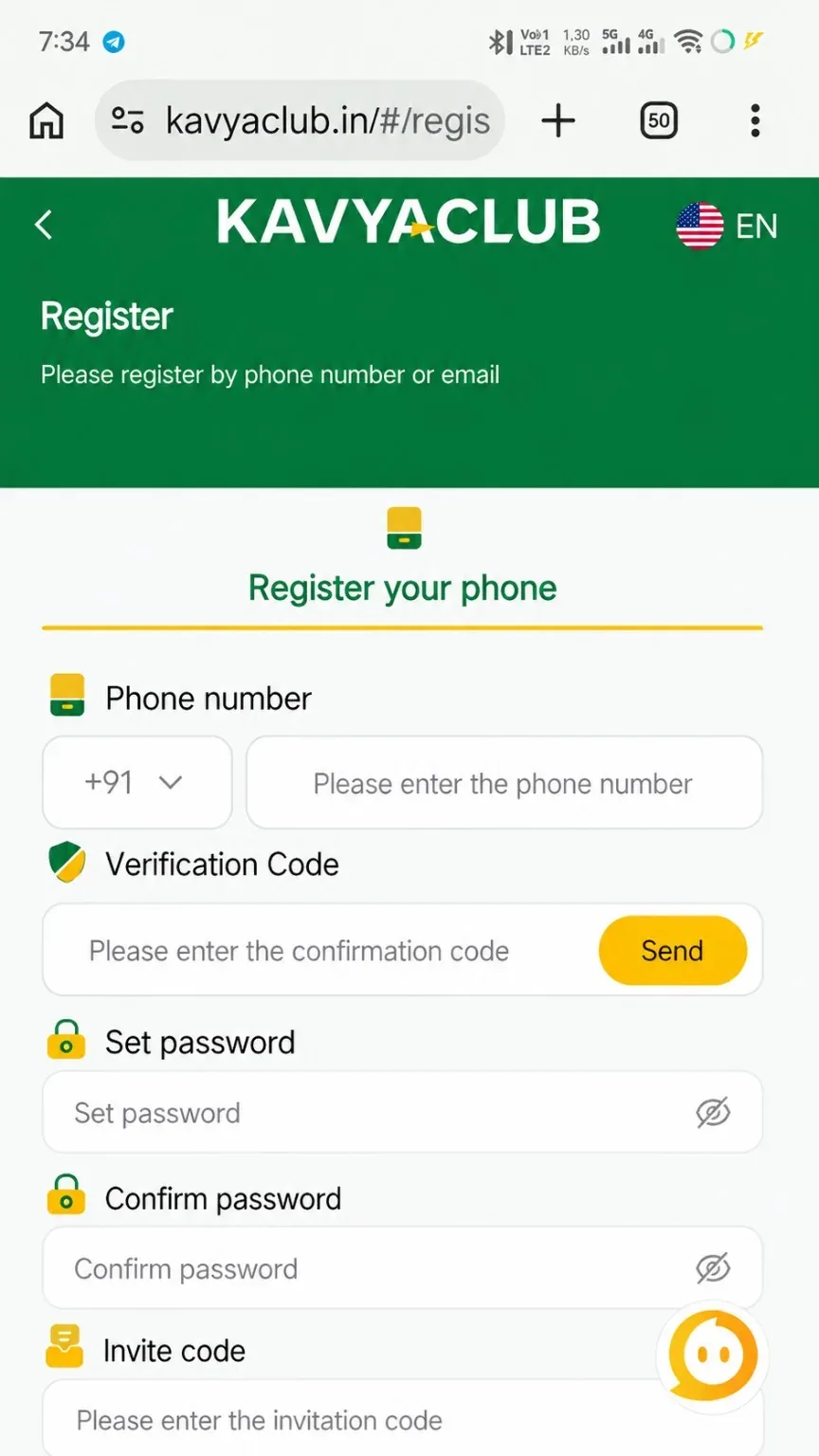
- For a new account, read the registration guide before entering the verification code, password and invite code.
- For an existing account, use the login guide and select the same phone or email method used when the account was created.
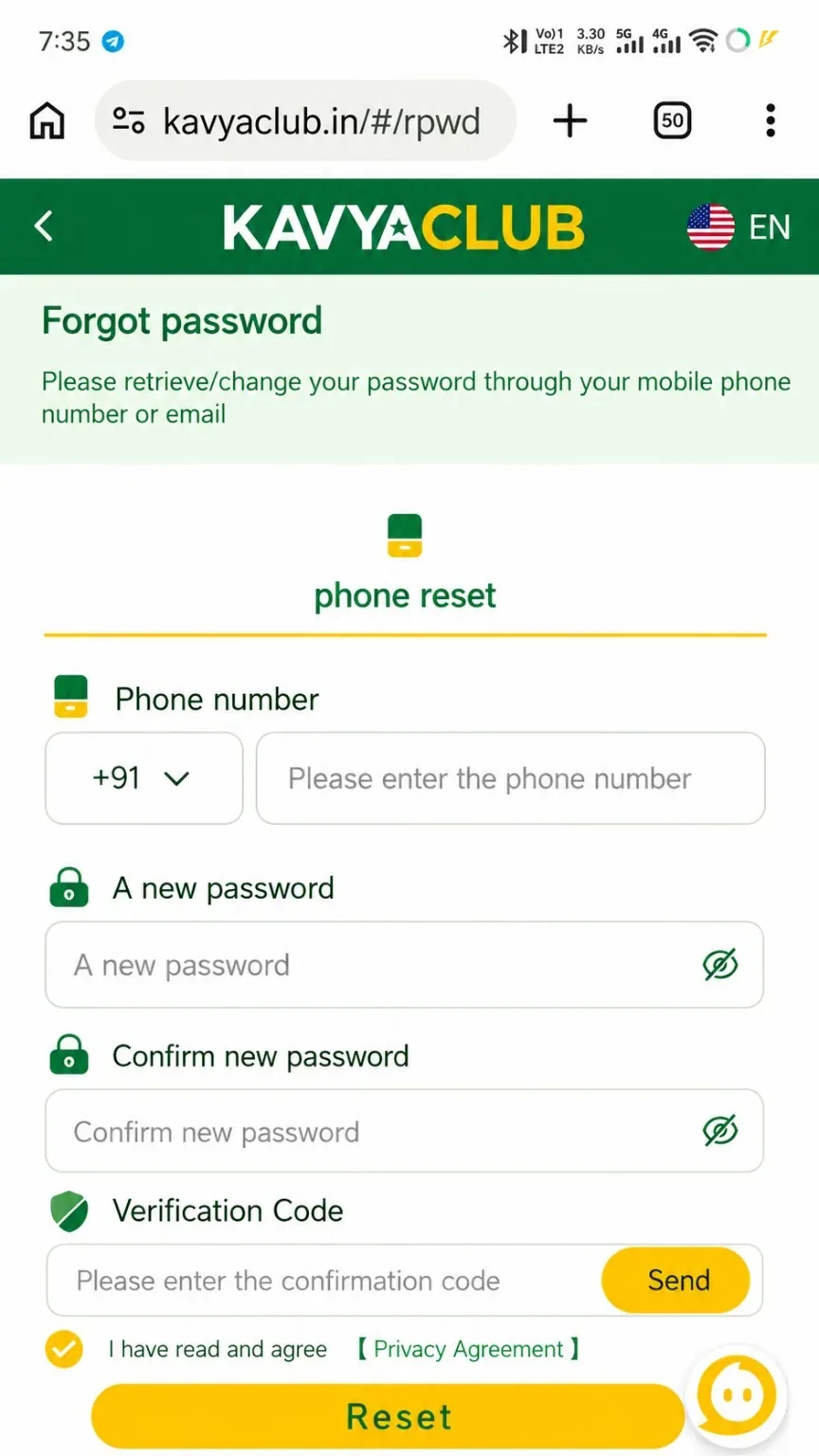
- If the password is unavailable, use the password reset guide rather than repeatedly guessing credentials.
- For the Android package and installation notes, open the Kavya Club App Download page from this site.
Checks before entering account details
Do not enter a password, OTP, UPI PIN, card PIN or recovery phrase on a page opened from an unknown message. A familiar logo or similar page design is not enough to verify a destination. Check the full browser address, use the site navigation and stop if the page asks for information that does not match the normal account flow.
- Keep the browser and operating system updated.
- Avoid saving passwords on shared devices.
- Do not reuse payment QR codes, wallet addresses or deposit details from old screenshots.
- Use the contact guide when an account or payment page behaves unexpectedly.
If a Kavyaclub link does not open
First reload the current page, switch between mobile data and Wi-Fi if the connection is unstable, and try the site navigation again. If a bookmarked destination has changed, return to Kavyaclub.in rather than editing the address manually. A temporary provider or maintenance issue can also prevent a destination from loading, so avoid submitting the same form many times while a page is unresponsive.
More Kavyaclub help
Browse all Kavyaclub guides for deposit, wallet, bonus, game, agent and account topics. For privacy and safe account use, also review the privacy guide and responsible-use information available on the site.
Frequently asked questions
Where should I start if an old Kavyaclub link no longer opens?
Return to Kavyaclub.in and use the current Register, Login, Guides or App navigation instead of editing or reusing an old destination.
Should I enter an OTP or payment PIN on a page opened from a forwarded link?
No. Check the complete browser address and use the current site navigation. Never share an OTP, UPI PIN, card PIN, password or recovery phrase with another person.
Where can I find Kavyaclub login and registration instructions?
Use the dedicated registration and login guides linked from this page. They explain the current account fields and common access problems.