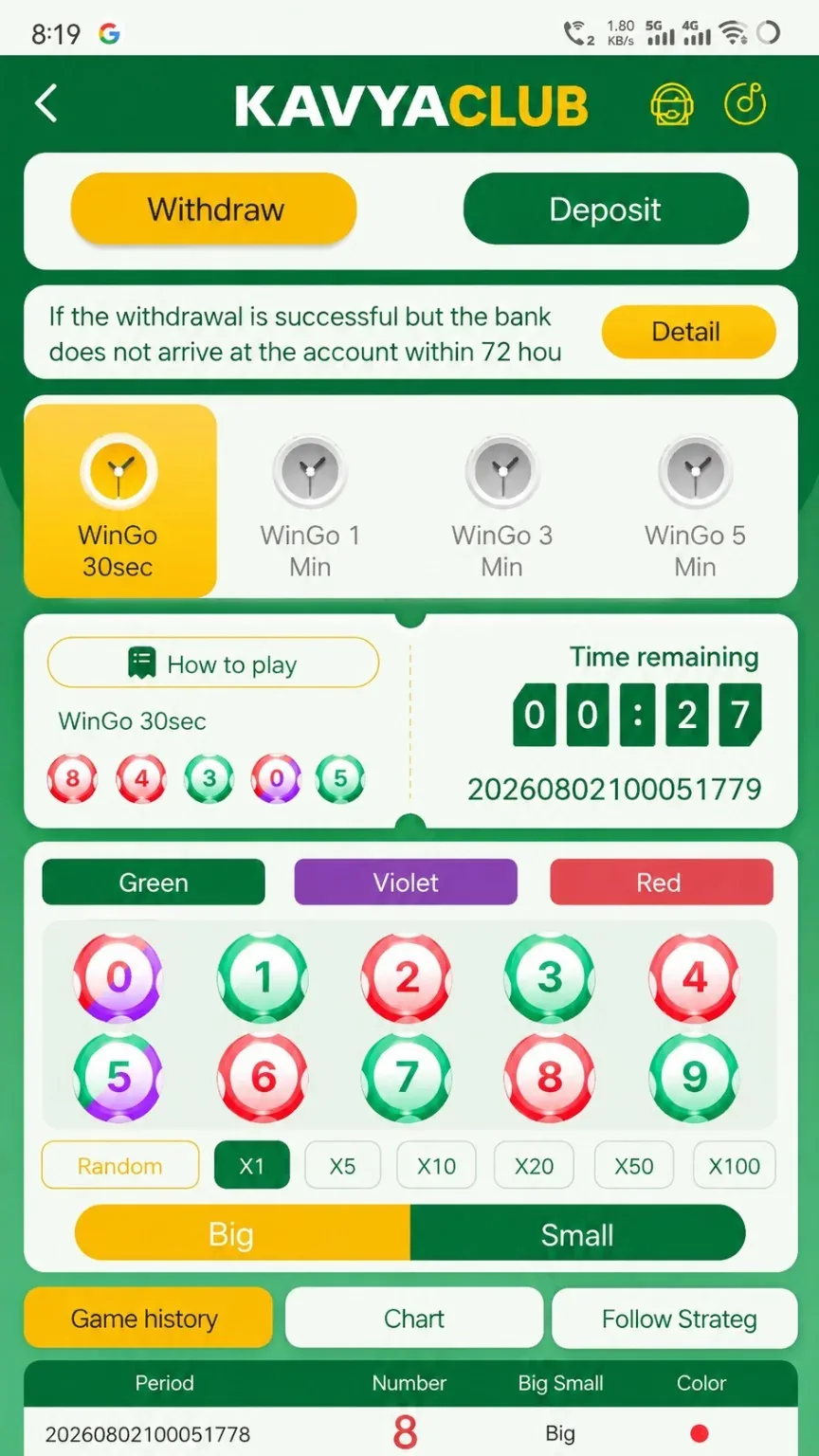
Overview
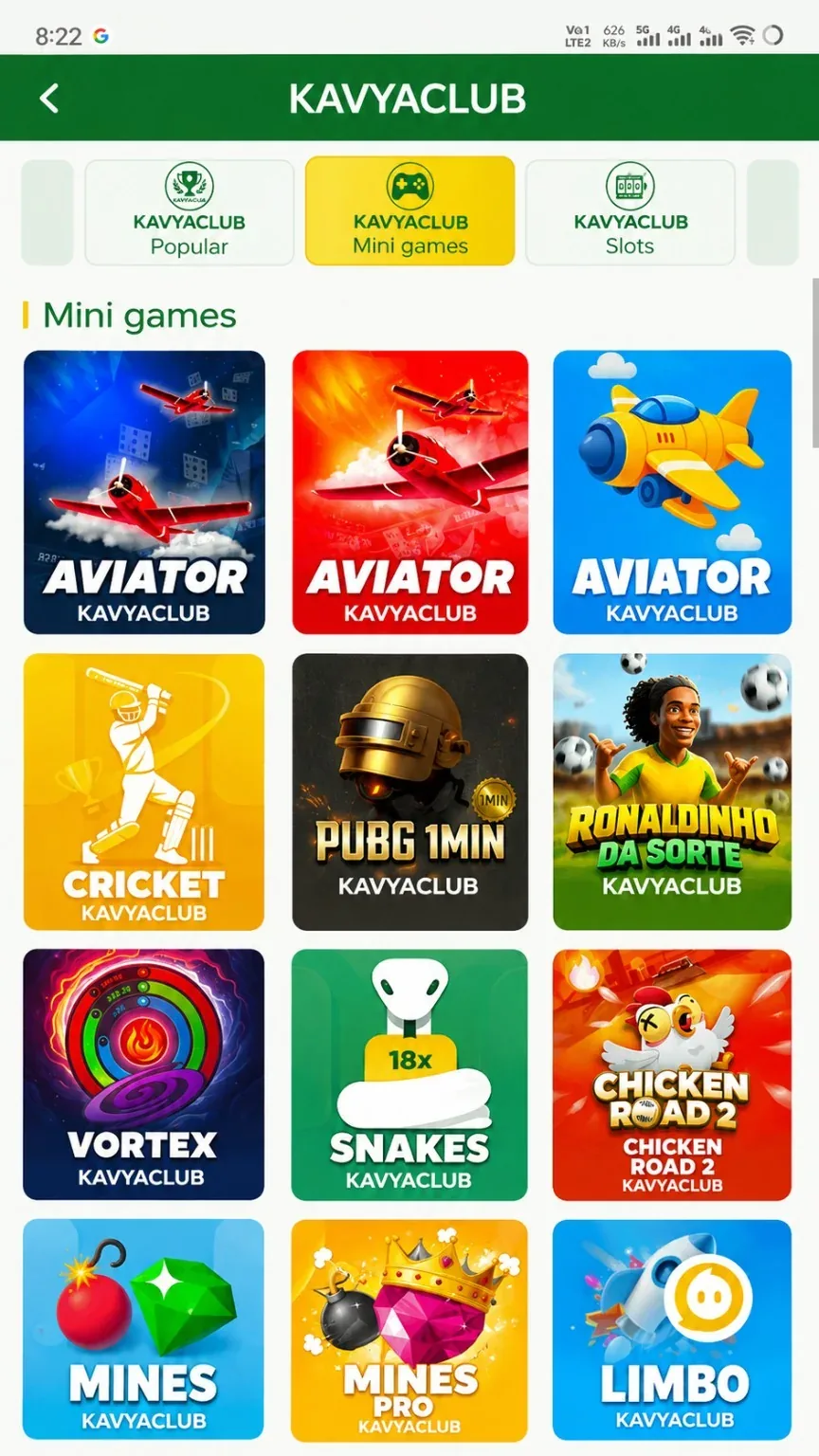
The Mini Games section contains several fast games with different controls and settlement rules. Open the information panel for each game and never assume that one game's timing or cash-out rules apply to another.
Before you start
- Choose the exact mini game from the lobby.
- Read its rules and demo or information screen.
- Set a smaller session limit because rounds can be very fast.
Step-by-step instructions
- Open Mini Games and identify the desired title.
- Read the rules, controls and settlement description.
- Check the amount before every round.
- Use only manual actions that you understand.
- Review the result or My Bets entry after each completed round.
- Pause after a short group of rounds to review total spending.
- Exit at the pre-set time or money limit.
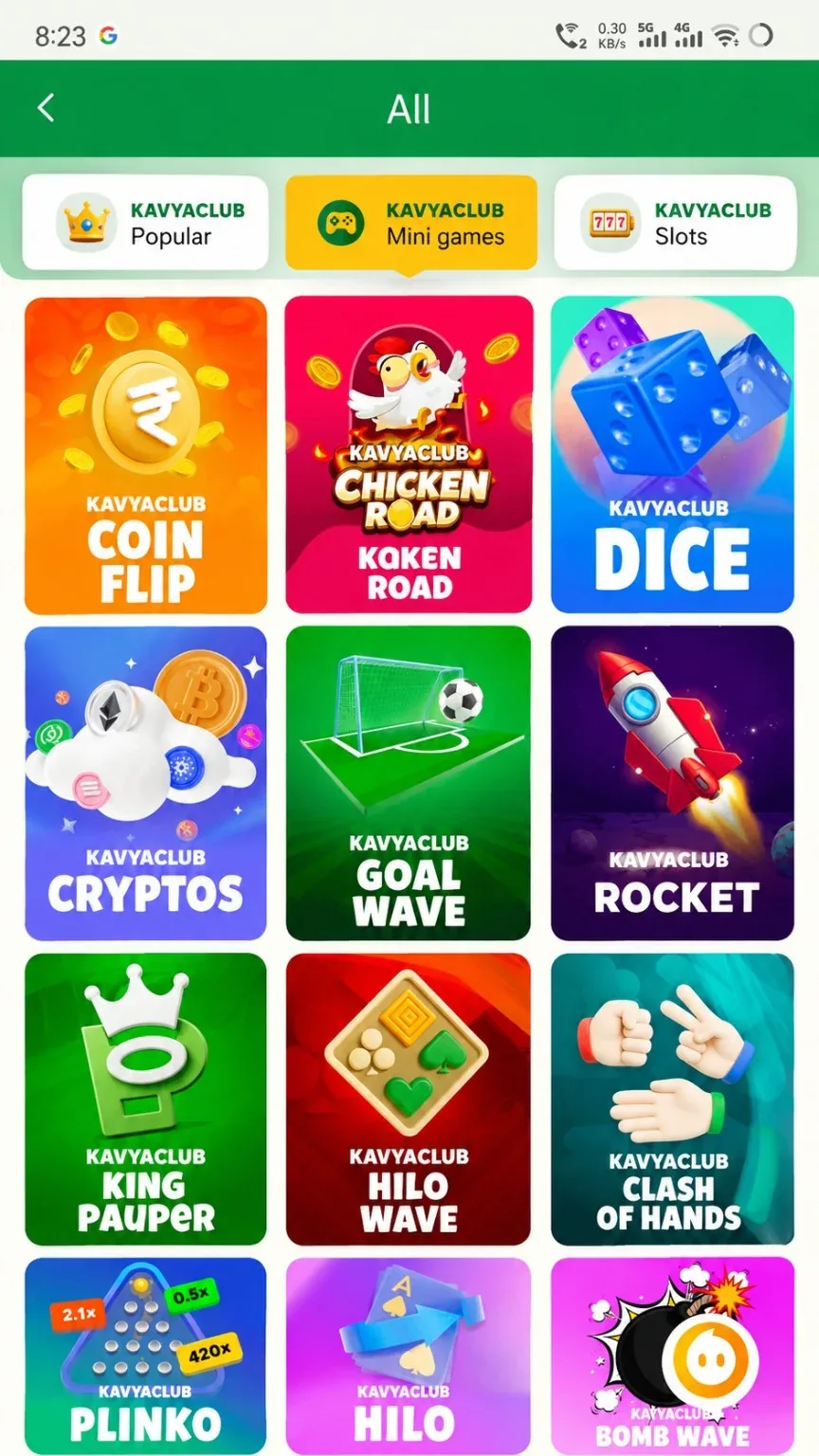
More mini-game categories
Common problems and solutions
| Problem | What to check |
|---|---|
| Wrong game rules assumed | Open the current title's own rule panel. |
| Round moves too quickly | Stop and choose a slower activity rather than increasing rushed actions. |
| Result not visible | Check My Bets with the round time or identifier. |
| Auto tool advertised | Do not install it or share credentials; automation cannot guarantee results. |
Safety notes
Important: Fast mini games can make spending difficult to notice. Track the total amount, not just the most recent round.
Responsible participation
Use short sessions, frequent breaks and no loss-chasing. Stop when participation stops feeling controlled.
Related help
Use the related-guide cards below to continue with the next account, payment, game or safety step.
Frequently asked questions
Do all mini games use the same rules?
No. Open the rule page for each title.
Where can I verify a completed round?
Use My Bets or the game's history with the matching time or round identifier.
Are prediction tools reliable?
No. Avoid tools or groups claiming guaranteed outcomes.