Overview
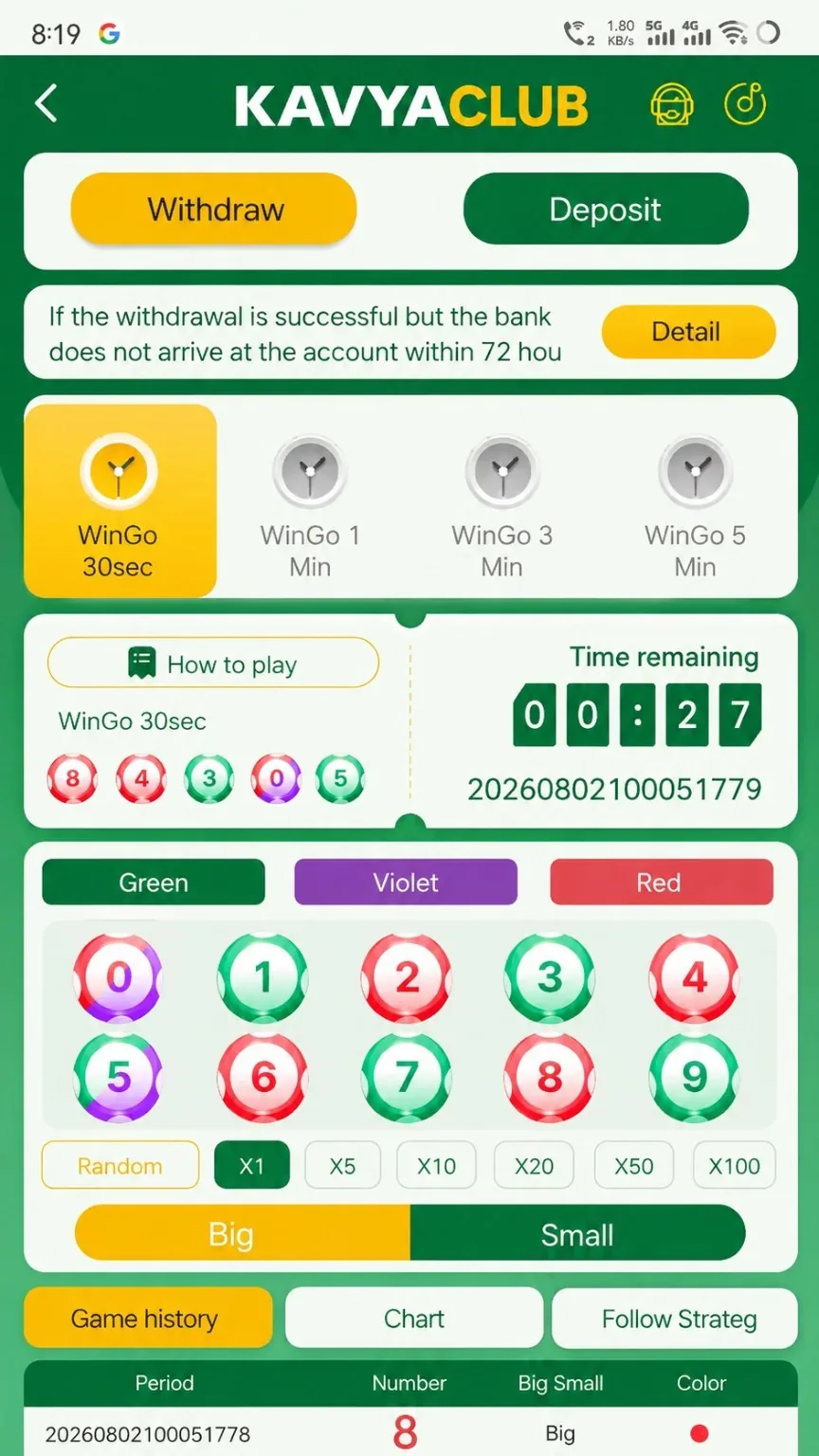
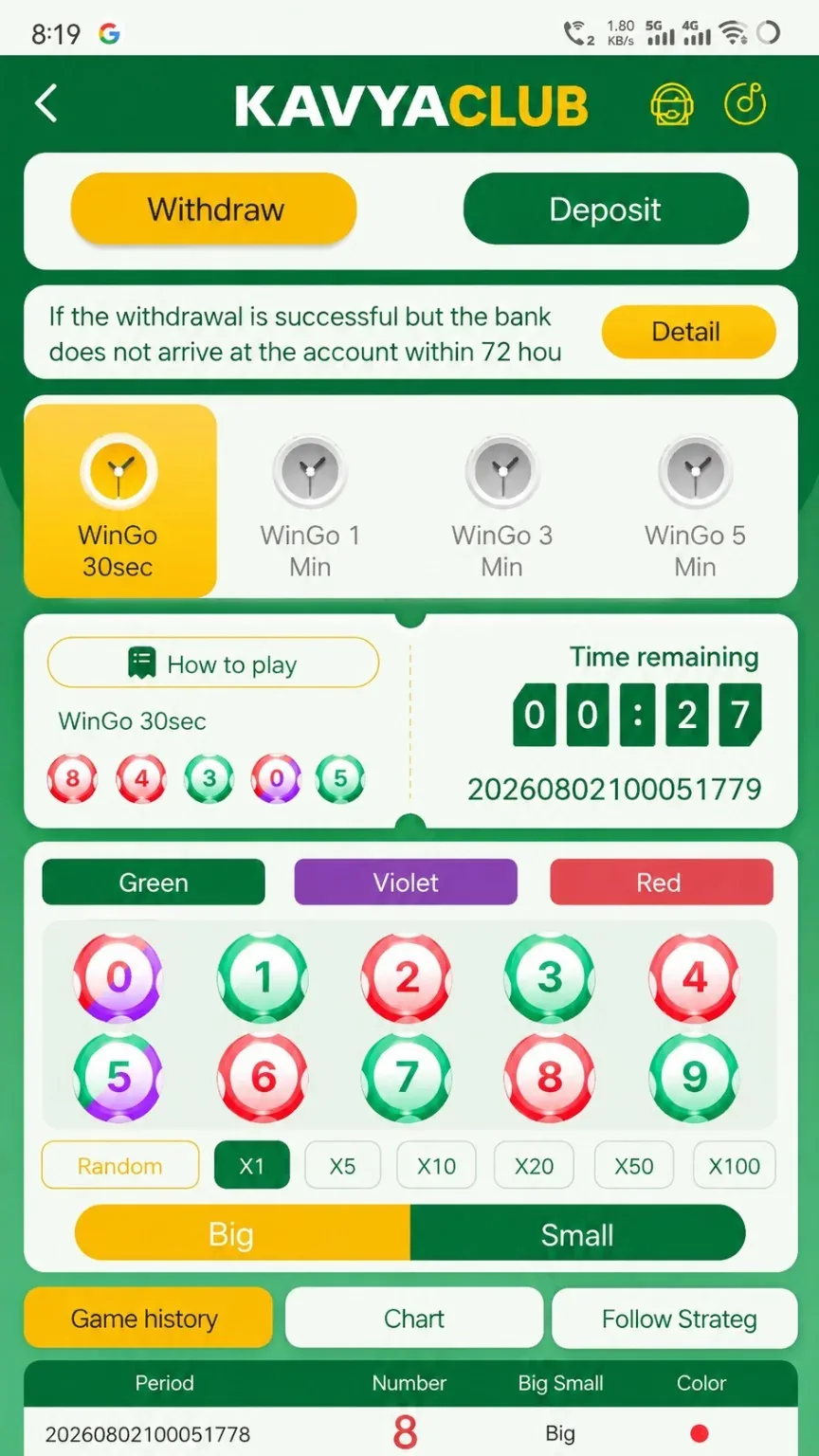
The lottery lobby can contain multiple games, durations and rules. Each card may use a different draw schedule, entry format or result method, so open the correct game and read its rules before making any selection.
Before you start
- Confirm the game title and duration.
- Read ticket, cutoff and result rules.
- Set a fixed spending limit for the complete session.
Step-by-step instructions
- Open Lottery from the Games or lobby navigation.
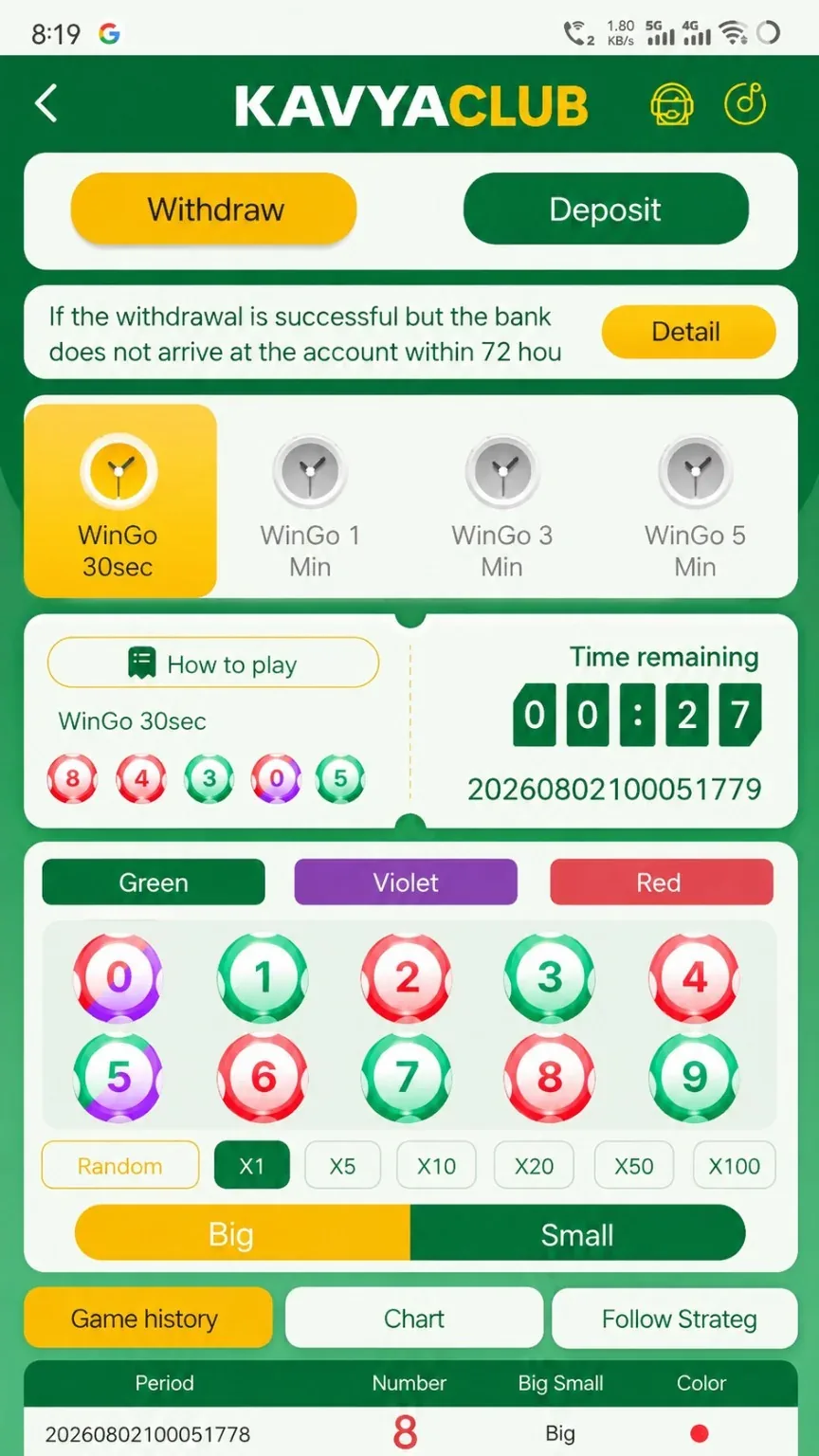
- Select the intended game card and verify its name.
- Read the rules, draw or period timing and eligible selection format.
- Choose the permitted selection and review the ticket or order summary.
- Submit before the displayed cutoff time.
- After the draw, match the ticket or period number with the official result history.
- Keep the session within the amount decided before opening the lobby.
Common problems and solutions
| Problem | What to check |
|---|---|
| Wrong game opened | Return to the lottery lobby and confirm the card name before submitting. |
| Cutoff passed | Wait for the next draw or period instead of attempting a late entry. |
| Ticket not visible | Check order history and wallet activity for a successful submission. |
| Result source differs | Use the official in-account result with the matching ticket or period. |
Safety notes
Important: Do not buy unofficial tickets or send money to someone claiming access to a guaranteed lottery result.
Responsible participation
Lottery participation is uncertain. Set an affordable limit and never use essential household funds.
Related help
Use the related-guide cards below to continue with the next account, payment, game or safety step.
Frequently asked questions
Why are there multiple lottery cards?
They can represent different games, schedules or rule sets.
How do I verify my result?
Match the official result with the exact ticket, draw or period identifier.
Can a ticket be changed after cutoff?
Normally no. Review all details before submitting.