Overview
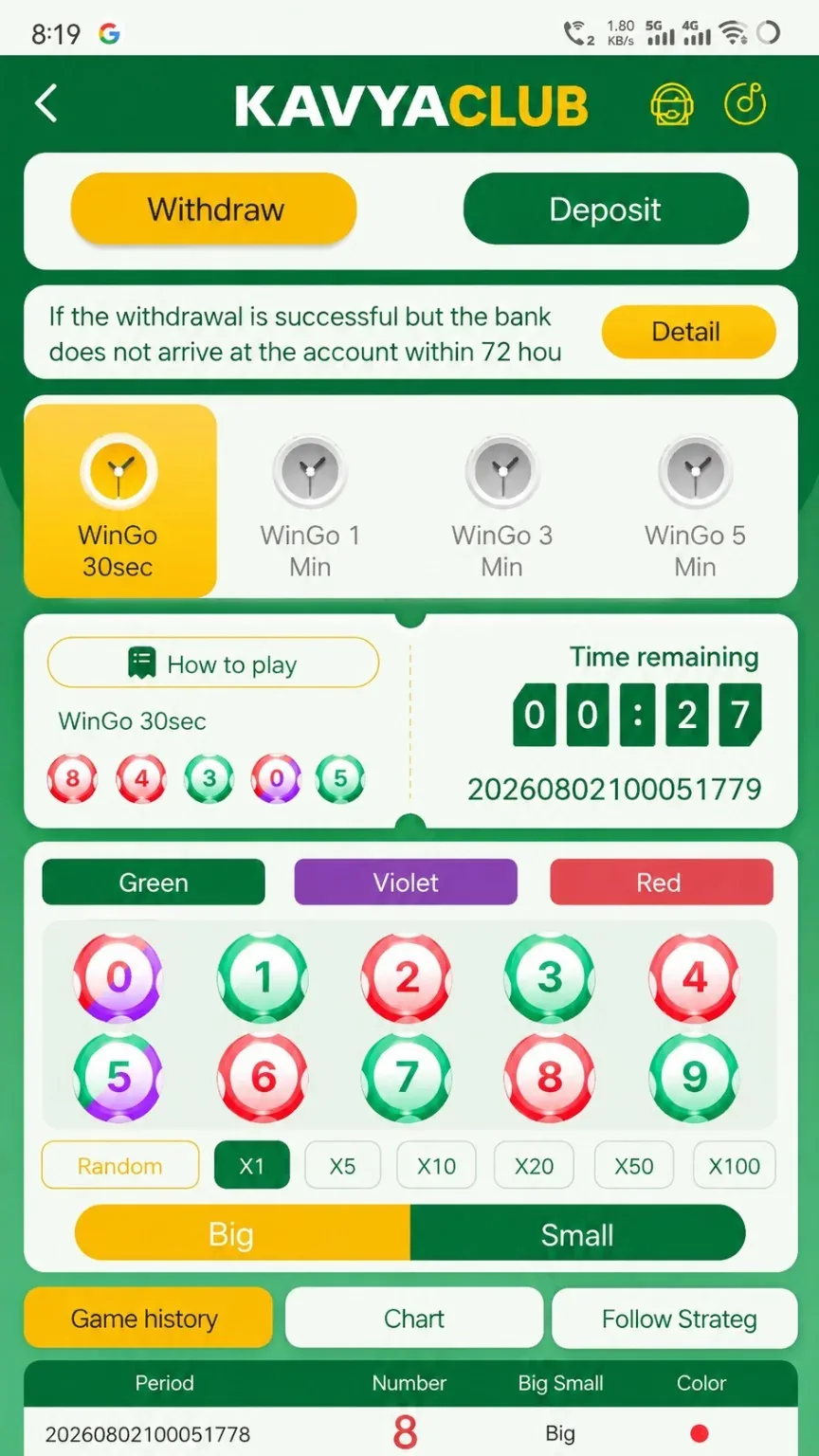
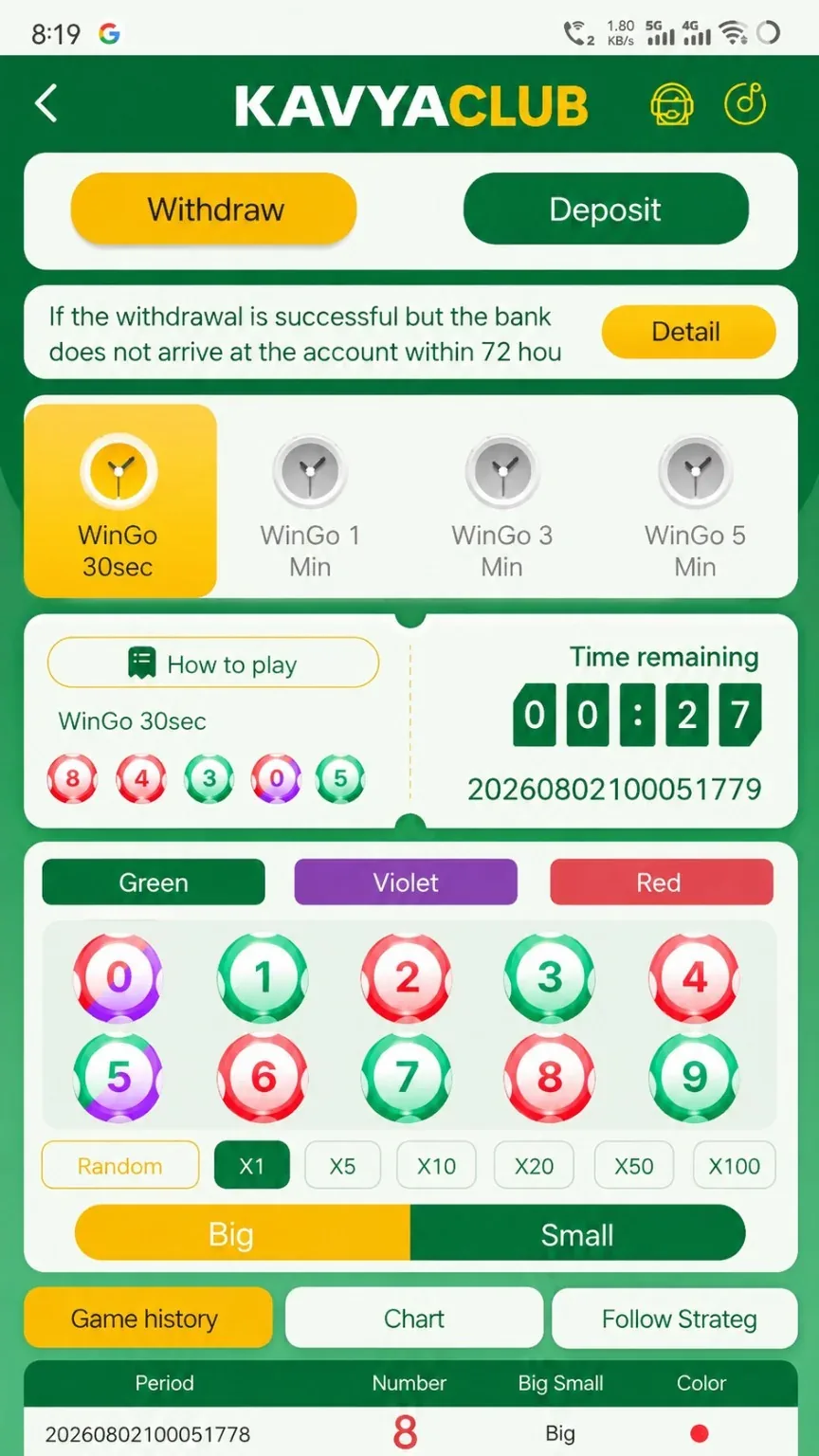
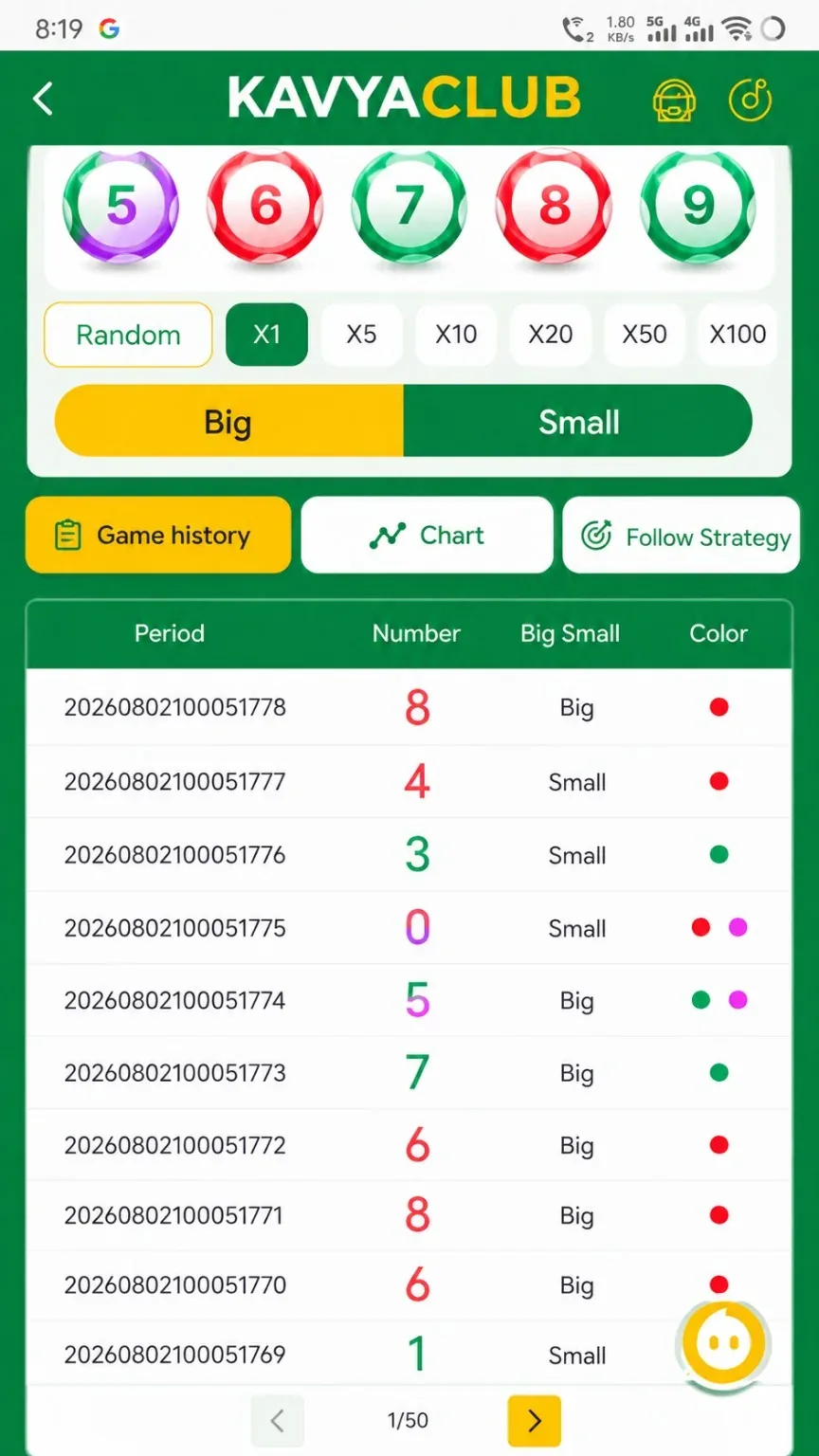
WinGo uses timed periods and displays number, color and Big/Small options. The visible history is useful for checking completed periods, but it cannot guarantee a future outcome.
Before you start
- Choose the intended WinGo duration or room.
- Read the rules and payout table.
- Set a strict session budget and stop time.
Step-by-step instructions
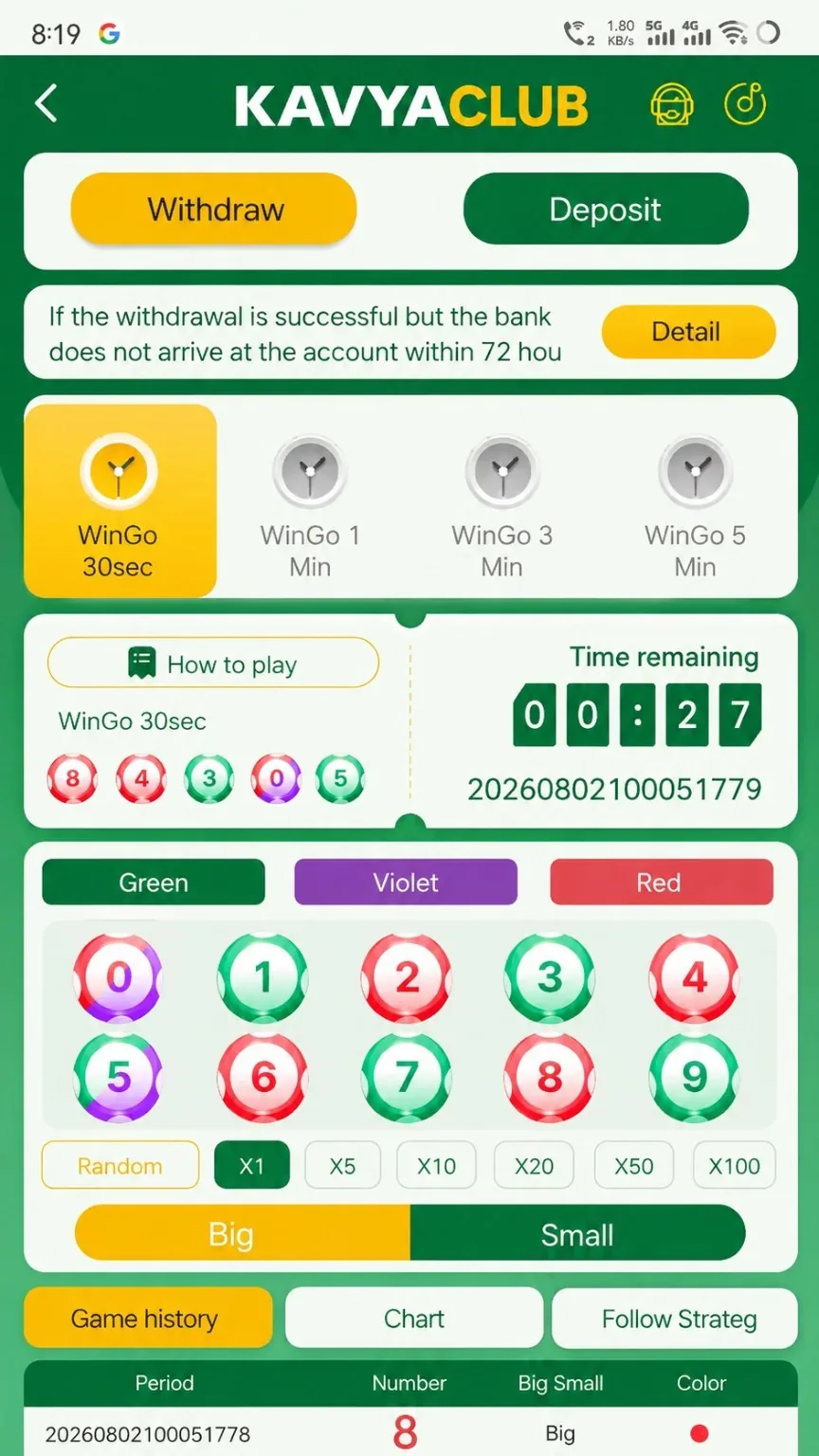
- Open WinGo and confirm the selected duration.
- Check the current period number and countdown.
- Review the available number, color and size options.
- Enter only the pre-set amount and verify the selection summary.
- Submit before the closing time, then wait for settlement.
- Open Game History and match the same period number.
- End the session at the chosen budget or time limit.
History and settlement
Use history to verify the recorded result and settlement for a specific period.
Common problems and solutions
| Problem | What to check |
|---|---|
| Wrong duration opened | Return to the game selector before making a selection. |
| Period changed | Do not submit after the countdown closes; wait for the next period. |
| Settlement delayed | Check My Bets and Game History after the result is published. |
| Prediction group claims certainty | Do not pay, deposit for or share credentials with the group. |
Safety notes
Important: No chart, signal group or previous sequence can guarantee a WinGo outcome.
Responsible participation
Never increase the amount to chase a previous loss. Stop at the first budget or time limit reached.
Related help
Use the related-guide cards below to continue with the next account, payment, game or safety step.
Frequently asked questions
What is a period number?
It uniquely identifies a timed round and helps you match selections with results.
Can history reveal the next result?
No. It records past results only.
Where can I see my settlement?
Check My Bets, wallet history and the matching period in Game History.