Overview
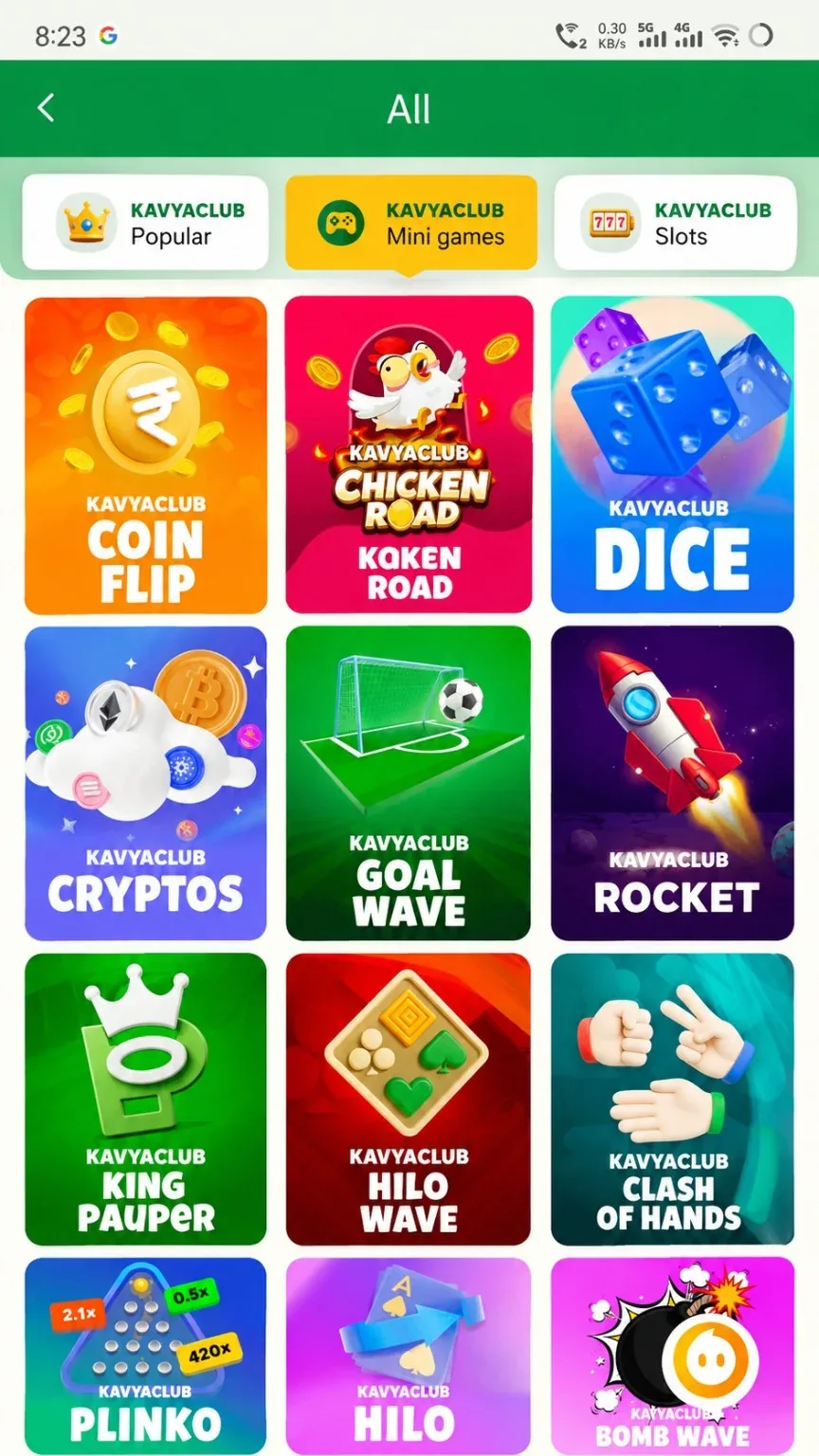
Mines-style games use a hidden grid and a selected mine count. Opening more cells can change the displayed return but also exposes the round to more risk. The location of mines cannot be safely predicted from previous rounds.
Before you start
- Read how mine count affects the round.
- Set a fixed amount and stopping rule.
- Ignore pattern maps or modified-app claims.
Step-by-step instructions
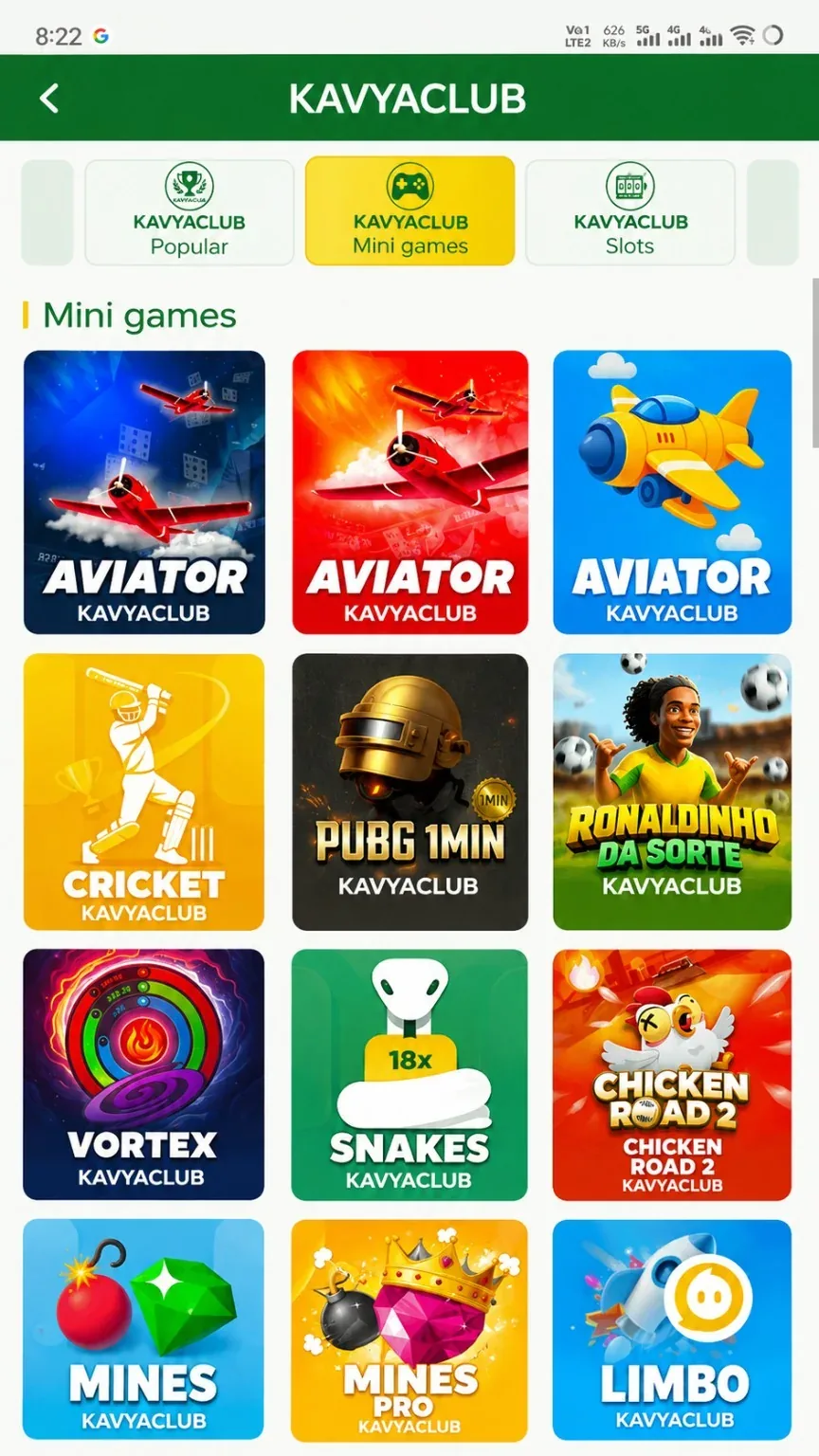
- Open Mines and read the provider rules.
- Choose the mine count and verify the round amount.
- Start the round only after reviewing both values.
- Select cells manually and monitor the official interface.
- Use Collect when ending the round according to your pre-set rule.
- Check the recorded round in history or My Bets.
- Stop at the session limit and do not chase a lost round.
Common problems and solutions
| Problem | What to check |
|---|---|
| Mine count changed | Re-check the setting before starting every round. |
| Grid tap repeated | Wait for the interface response and avoid rapid multiple taps. |
| Collection status unclear | Check the official round history before starting another round. |
| Pattern tool advertised | Do not install it; it may steal data and cannot guarantee safe cells. |
Safety notes
Important: Hidden-cell locations are uncertain. No screenshot pattern, seed claim or external tool guarantees a safe cell.
Responsible participation
Use a low fixed amount and a clear maximum number of cells or rounds. Stop when the plan is reached.
Related help
Use the related-guide cards below to continue with the next account, payment, game or safety step.
Frequently asked questions
Can previous grids reveal the next mines?
No. Previous layouts do not guarantee future locations.
What does mine count change?
It changes the round's risk and settlement structure according to the provider rules.
How do I confirm Collect?
Check the final round entry in history or My Bets.