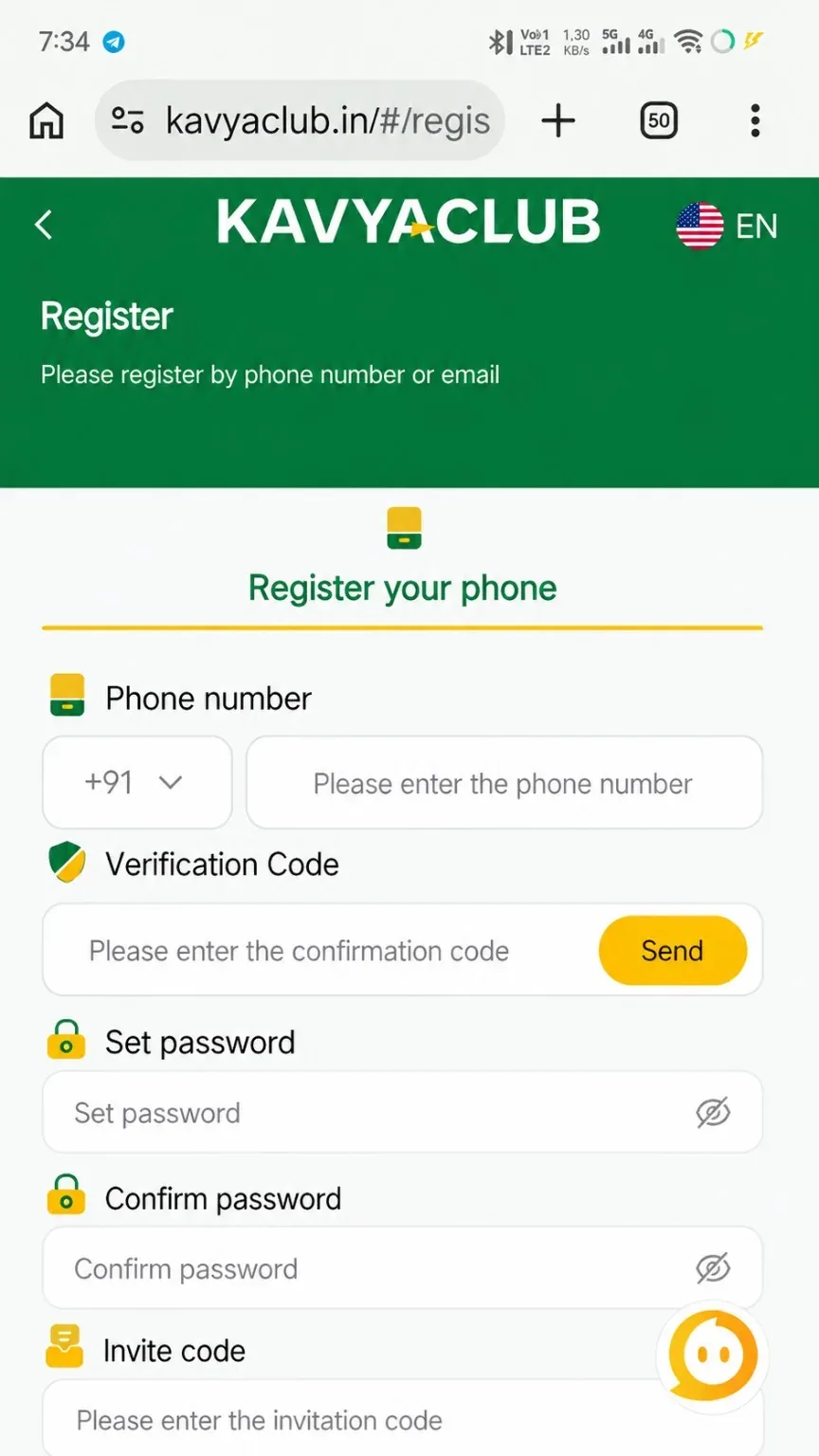
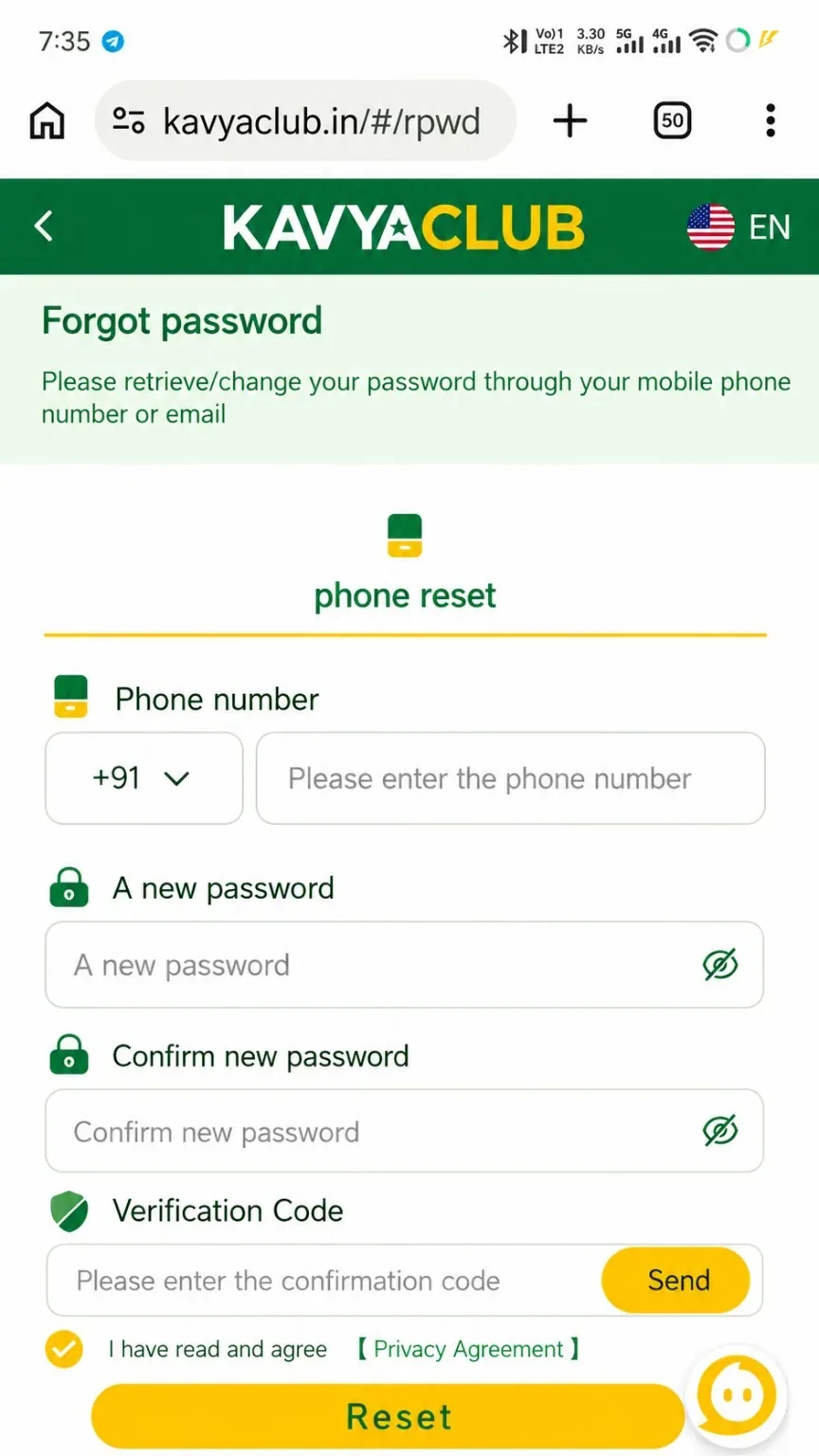
Overview
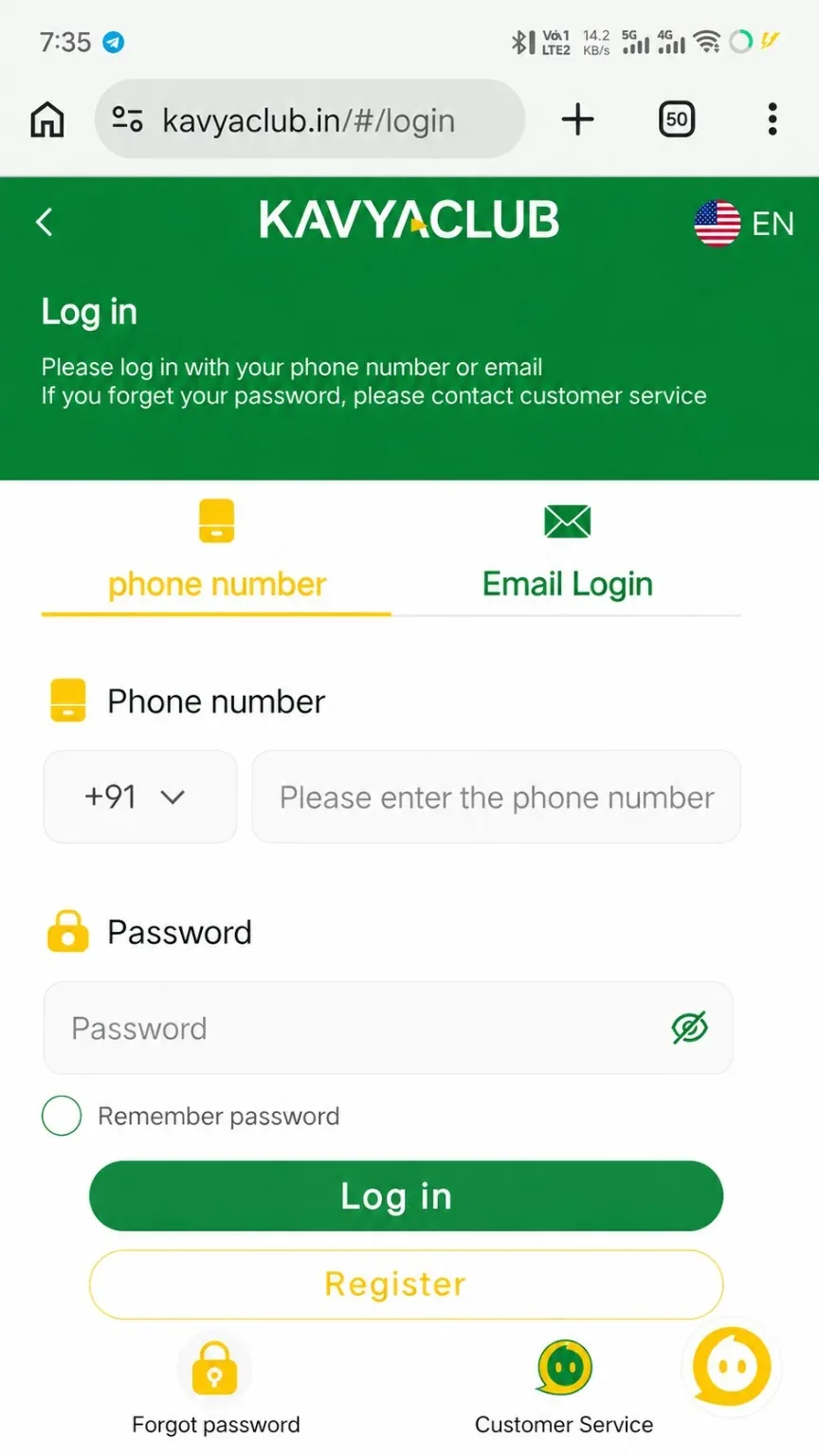
The login screen supports the account identifier shown in the selected tab, normally a phone number or email address, together with the password created during registration. Use the correct tab and exact account details to avoid unnecessary lockouts.
Before you start
- Confirm that the browser address shows the verified Kavyaclub domain.
- Check whether the Phone Number or Email Login tab is selected.
- Turn off any keyboard auto-correction that changes the identifier.
Step-by-step instructions
- Open Login from the sticky bottom bar.
- Choose phone-number login or email login according to the account you registered.
- Enter the complete phone number or email address.
- Type the password exactly, respecting uppercase and lowercase letters.
- Enable Remember Password only on your own locked device.
- Tap Log in once and wait for the member page to load.
When login succeeds
- Check that the account name or balance belongs to you.
- Review recent activity when the device or location is new.
- Log out after using a shared phone or computer.
Common problems and solutions
| Problem | What to check |
|---|---|
| Incorrect password | Use Reset Password rather than trying many guesses. |
| Account not found | Confirm the country code, number, email spelling and selected login tab. |
| Page keeps loading | Switch networks, close duplicate tabs and reload the verified domain. |
| Remembered password is old | Clear the saved value and type the current password manually. |
Safety notes
Important: Never approve a login, OTP or password-reset request that you did not start yourself.
Related help
Use the related-guide cards below to continue with the next account, payment, game or safety step.
Frequently asked questions
Can I log in with email instead of phone?
Use email login only when an email address has been linked to the account and the Email Login tab is available.
Is Remember Password safe?
Use it only on a personal device protected by a screen lock. Avoid it on shared devices.
What if I forgot the password?
Open the Reset Password guide and complete verification through the account's registered contact method.