Overview
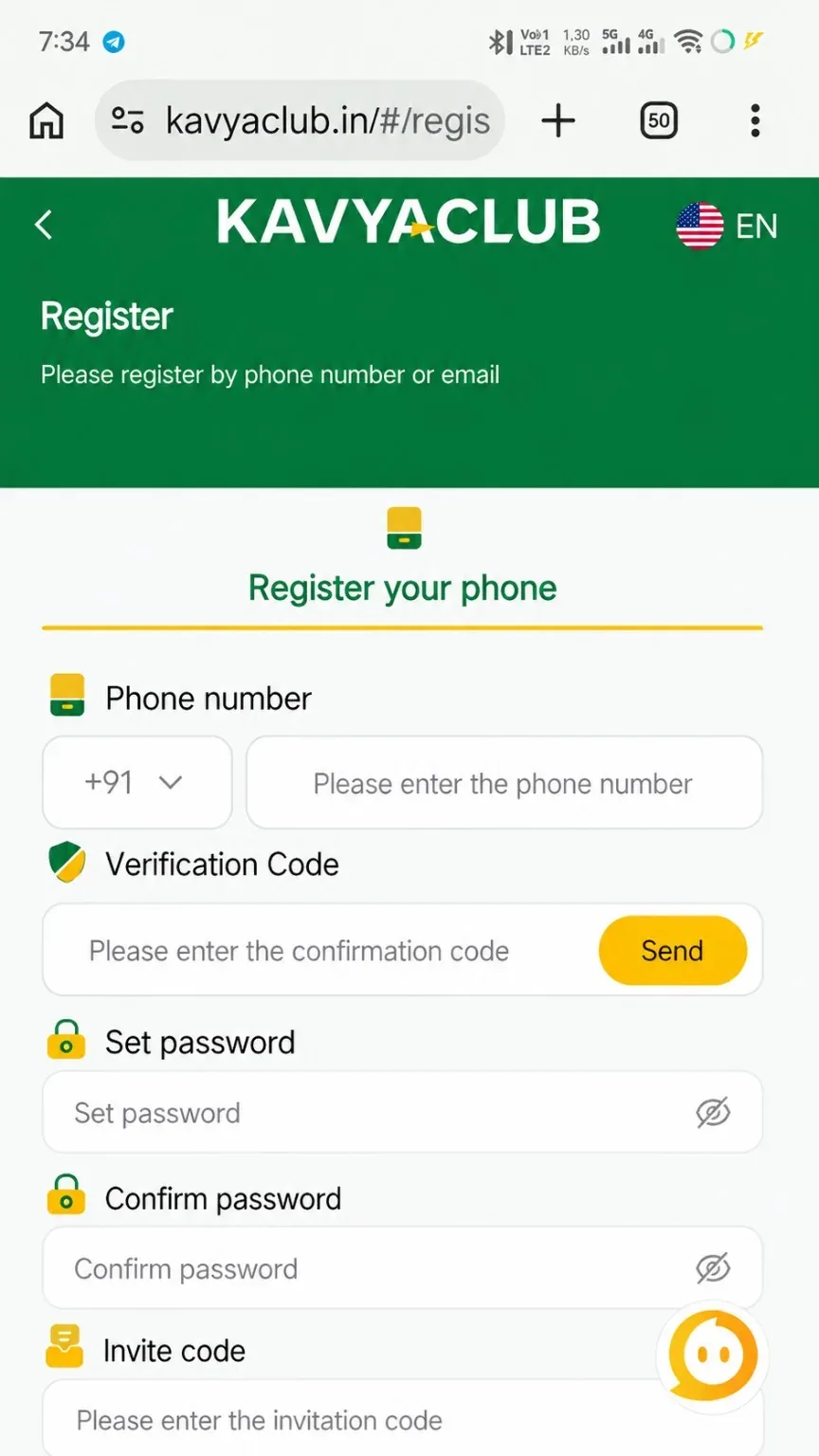
The registration page asks for a valid phone number, a verification code, a password, password confirmation and an invite code when one is available. Complete every field carefully because the same phone number is normally used for future login and account recovery.
Before you start
- Use a phone number you control and can receive messages on.
- Open the verified Kavyaclub domain instead of a forwarded or shortened link.
- Prepare a strong password that you do not use on another website.
Step-by-step instructions
- Open the Register page from the bottom action bar or the official registration link.
- Select the +91 country code and type your mobile number without extra spaces.
- Request the verification code and enter the code received on your phone before it expires.
- Create a password, then type the same password again in the confirmation field.
- Check the invite code. Keep the provided code when it is valid; do not replace it with an unknown code.
- Review all fields and tap Register once. Wait for the confirmation instead of pressing repeatedly.
After registration
- Save the login page in your browser bookmarks.
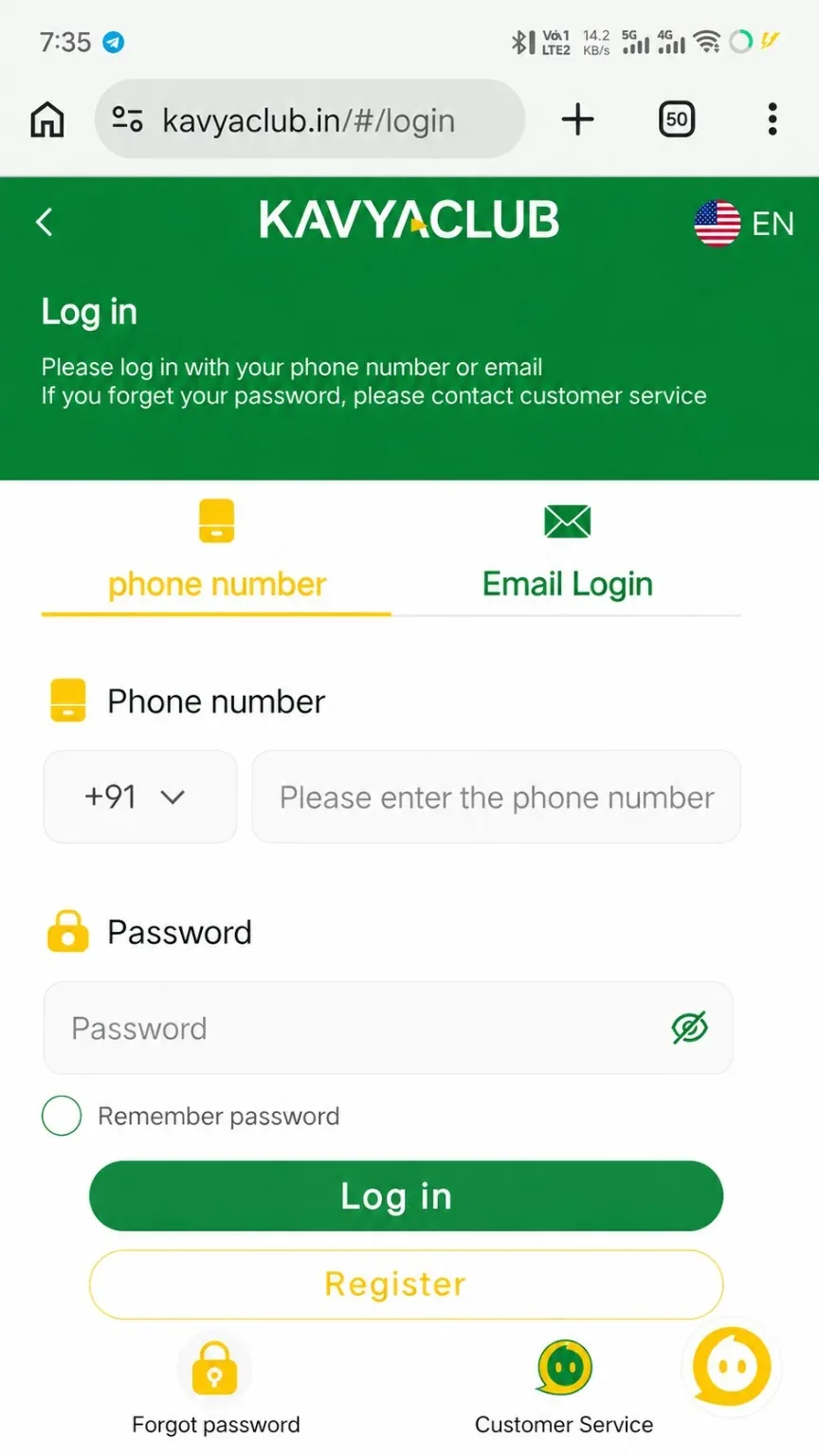
- Confirm that the account opens with the same phone number.
- Add recovery and payment details only from inside the verified account.
Common problems and solutions
| Problem | What to check |
|---|---|
| Verification code does not arrive | Check signal, number format, SMS filtering and the resend timer before requesting again. |
| Password rejected | Use the required length and include a mix of letters and numbers without spaces. |
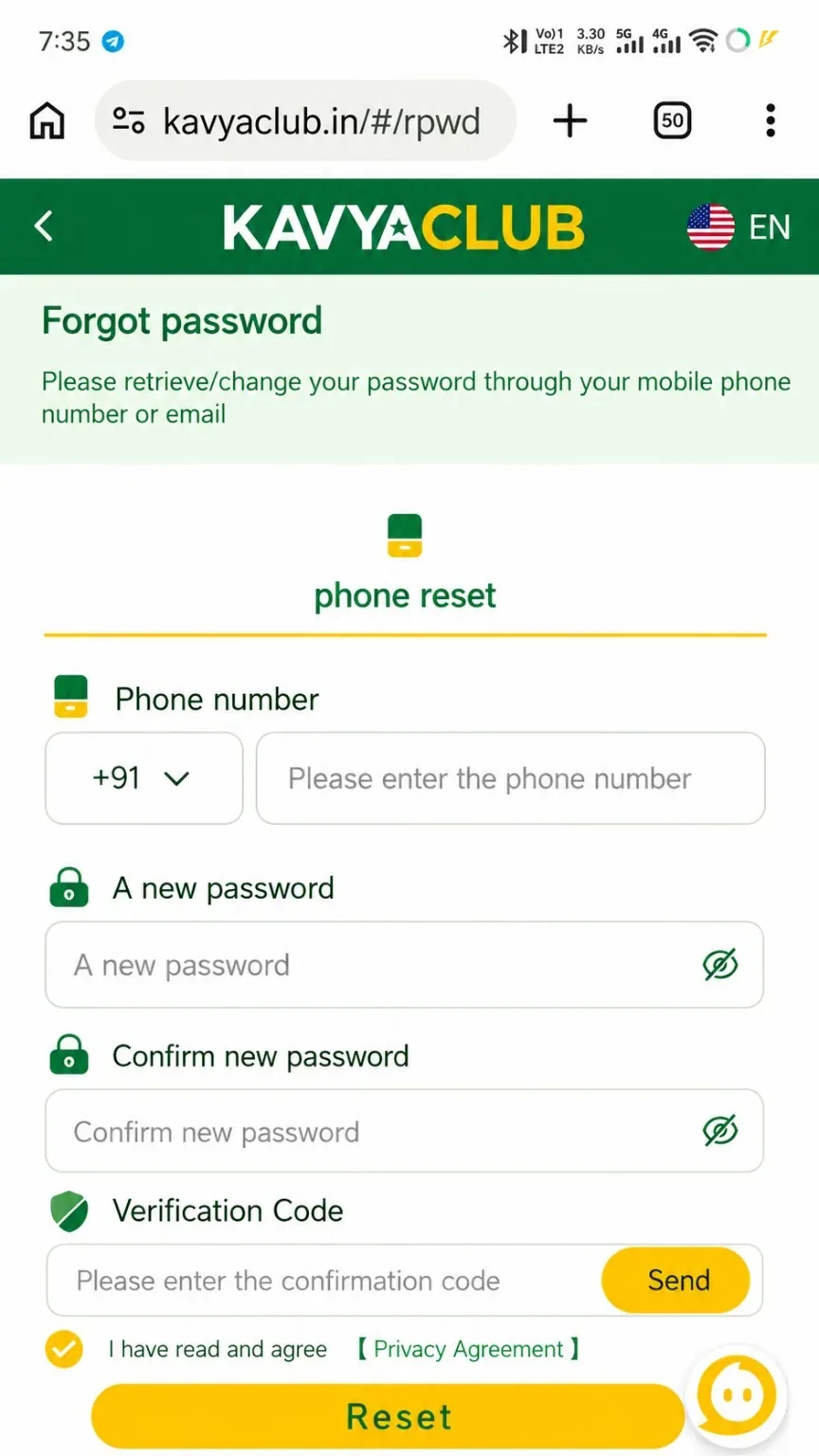
| Phone already registered | Use Login or Reset Password instead of creating a duplicate account. |
| Invite code invalid | Re-open the official registration link or ask verified support to confirm the code. |
Final checks
- The displayed phone number is correct.
- You can sign out and log in again.
- No OTP, password or PIN was shared with another person.
Safety notes
Important: An OTP is private. Kavyaclub support should not need your password, SMS code, UPI PIN or bank PIN.
Related help
Use the related-guide cards below to continue with the next account, payment, game or safety step.
Frequently asked questions
Can I register with the same phone number twice?
Usually one mobile number is linked to one account. Use the login or password-reset flow when the number is already registered.
What should I do if the invite code is wrong?
Return to the verified registration link and confirm the code before submitting. Do not use a code received from an unknown person.
Why should I confirm the password?
The confirmation field catches typing mistakes before the account is created.