Account security is easier when a few simple checks become routine. Kavyaclub guides can explain where common account controls are located, but the most important protection still comes from how you handle your phone, password and links. The goal is not to make account access complicated. It is to remove the small mistakes that make an account easier to misuse.
Start with the website address
Before entering a phone number or password, look at the address bar and confirm that you are on the page you intended to open. Avoid signing in through shortened links, forwarded messages from unknown people or pages that imitate a familiar design. A convincing logo is not proof that a page is genuine. When possible, start from a saved bookmark or a link you have already verified.
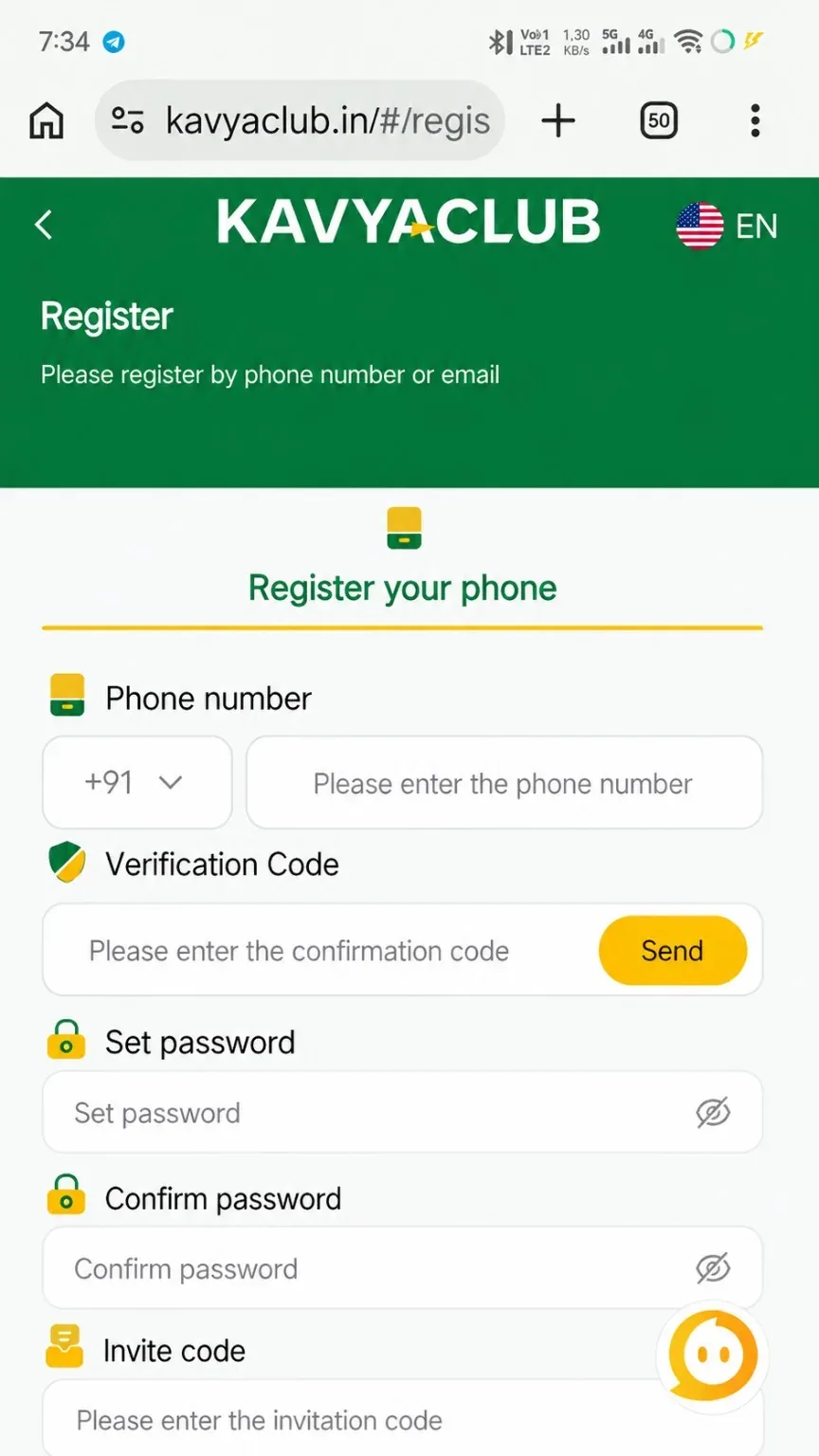
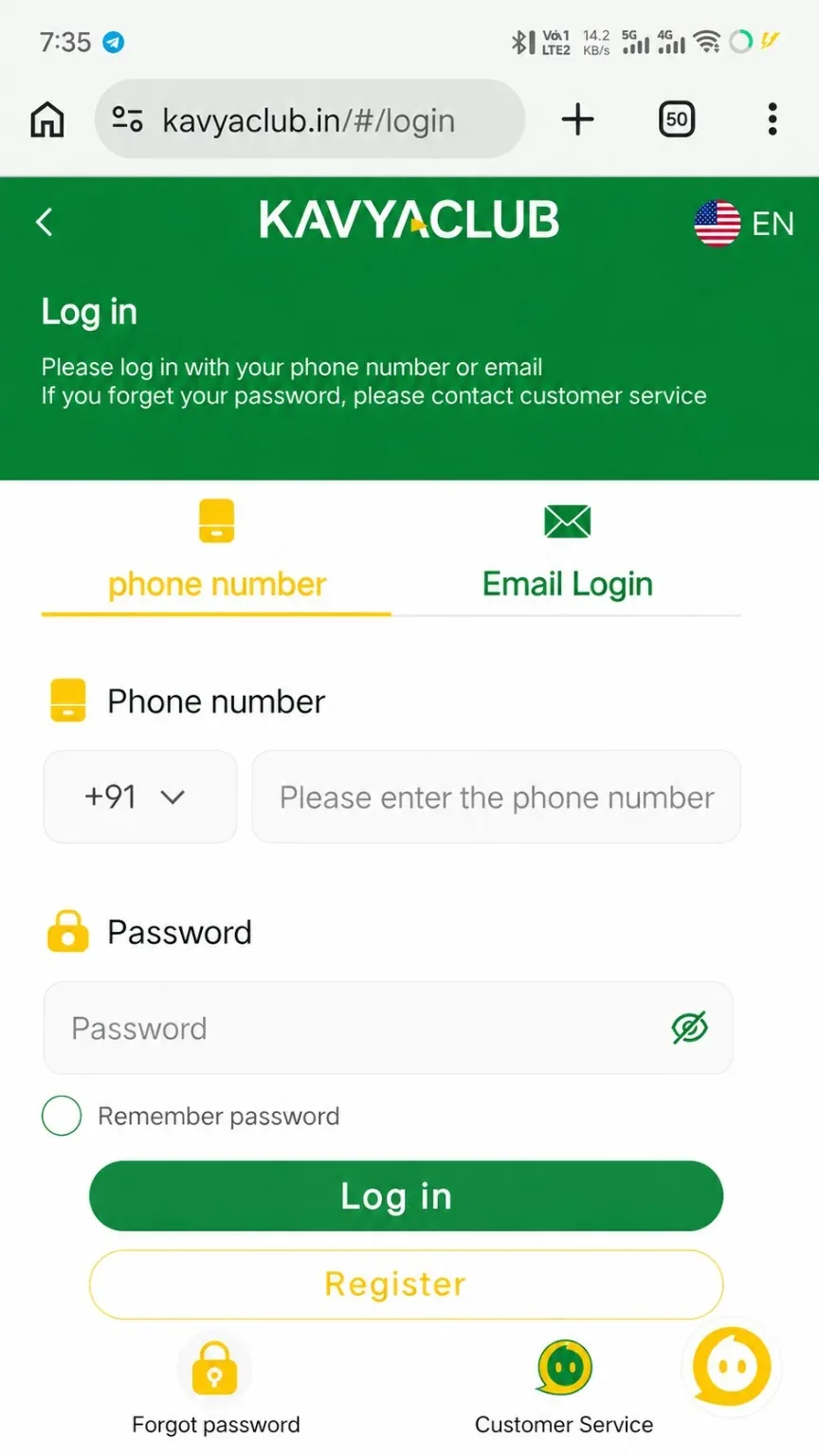
If you are creating an account for the first time, use the Kavyaclub registration guide to understand the fields before submitting anything. Returning members can use the login guide to check the normal sign-in flow.
Use a password that belongs only to this account
Reusing the same password across email, social media and other services creates unnecessary risk. A separate password means that a problem on one service does not automatically expose another. Choose a password that is long enough to resist guessing and avoid obvious combinations based on your name, phone number or date of birth.
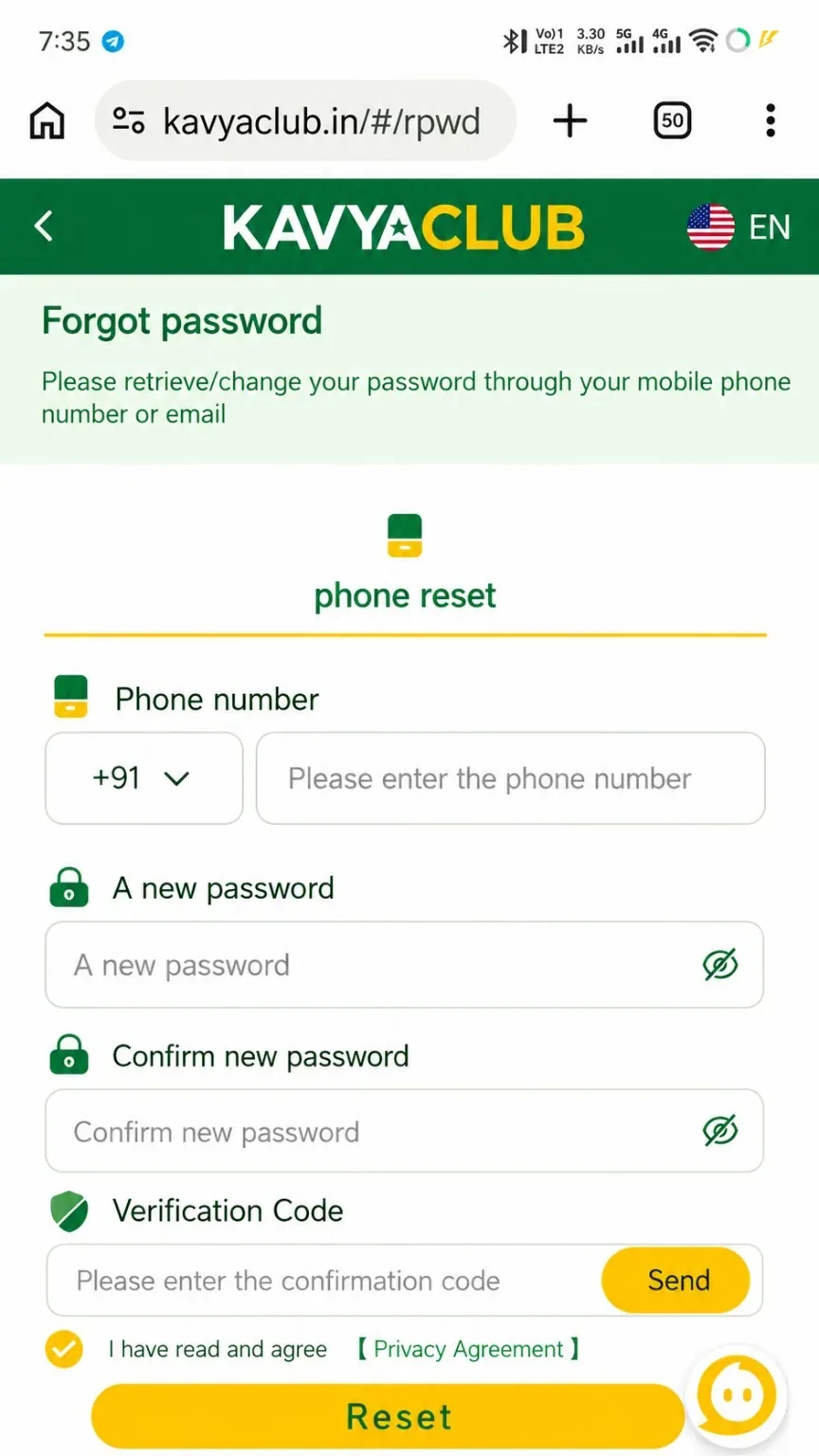
Do not send your password through chat and do not save it in a public note or shared screenshot. If you forget it, use the normal recovery process instead of asking another person to handle the reset. The password reset guide explains the usual recovery steps.
Treat verification codes as private
A one-time verification code is designed to prove that you control a phone number or another recovery method. Someone asking you to read that code aloud may be attempting to use it on your behalf. The same rule applies to UPI PINs, bank PINs, wallet seed phrases and private keys: genuine support does not need them to explain a website guide.
Keep the device itself secure
Use a screen lock and keep the phone operating system and browser reasonably up to date. Avoid installing unknown APK files or remote-control applications because another person asks you to. If you use a shared device, sign out when finished and do not enable password remembering. On your own device, review saved browser sessions from time to time and remove ones you no longer recognize.
Check before changing payment details
Adding a UPI ID, bank account or USDT address deserves the same care as logging in. Copy details from your own payment app or wallet, compare the first and last characters, and read the information once more before saving. A rushed correction after a wrong transfer is far more difficult than a careful check before it.
What to do when something feels wrong
If a page suddenly asks for information you would not normally provide, stop using it. Open the website again from a trusted path, change your password if necessary and review recent account activity. Keep transaction references or screenshots that help explain the issue, but hide sensitive codes before sharing them with support.
Good account security is mostly consistent behavior: verify the destination, keep secrets private, use strong unique credentials and slow down when a request feels unusual. Those habits protect more than one website; they protect the accounts and payment tools connected to your phone as well.