Kavyaclub deposit guides cover two very different payment flows: INR payments through the available local channels and USDT transfers through a supported blockchain network. The screens may look similar because both begin with an amount, but the checks you should make are not the same. Understanding that difference helps prevent avoidable payment errors.
INR deposits: confirm the channel and exact amount
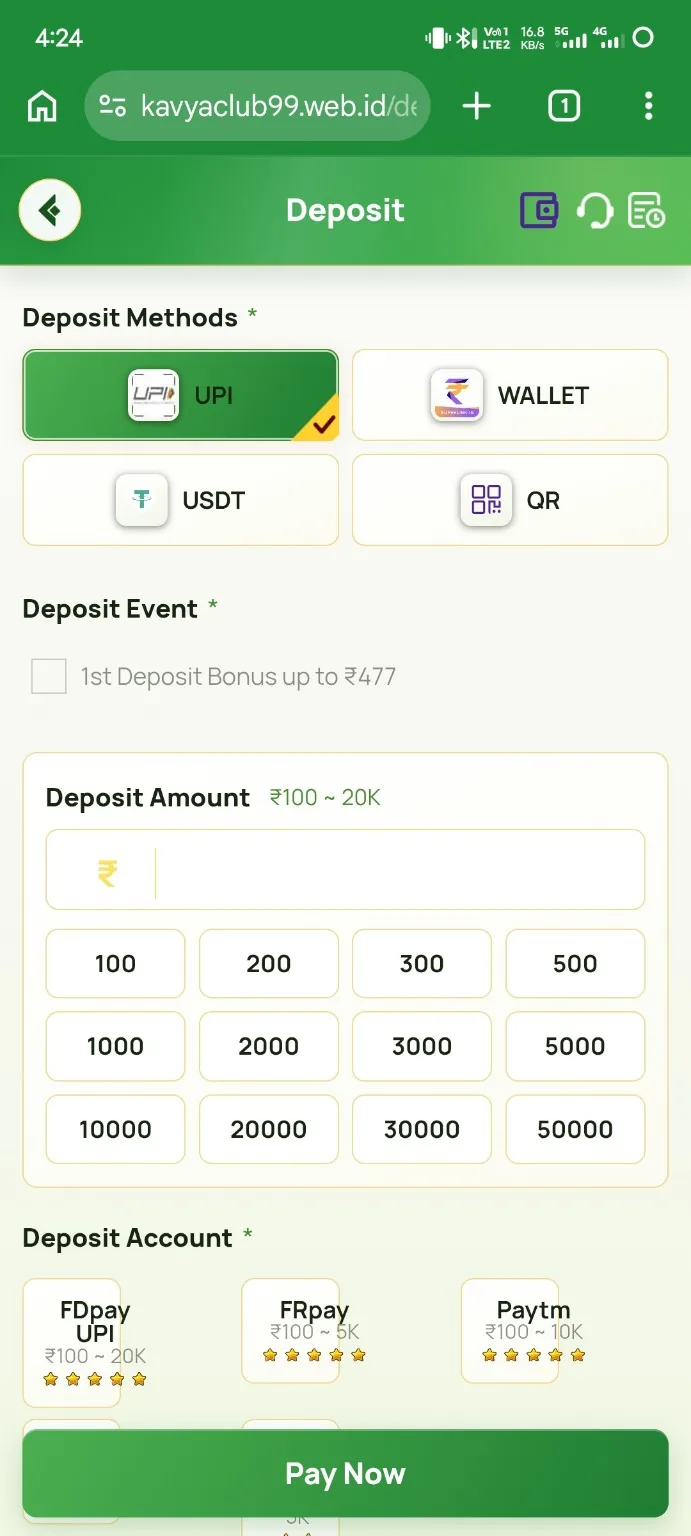
On an INR deposit screen, first look at the minimum and maximum amount shown for the selected channel. Choose a preset amount or enter a supported amount manually, then review the total before creating the payment order. The INR deposit guide shows how the amount selection, QR code and payment timer fit together.
Once an order is generated, use the payment information from that order only. If the page displays a QR code, scan it from the payment app you intend to use. If a UPI option is available, confirm the payee information shown by your app before approving the payment. Do not change the amount after the order is created unless the website explicitly creates a new order for the new amount.
Why the timer matters
Payment pages often use a timer because the QR code, UPI destination or order reference can be temporary. If the timer expires, the safest approach is to return to the deposit page and generate a fresh order. Reusing an expired code can make it harder to match a payment to the correct order.
USDT deposits: the network is as important as the address
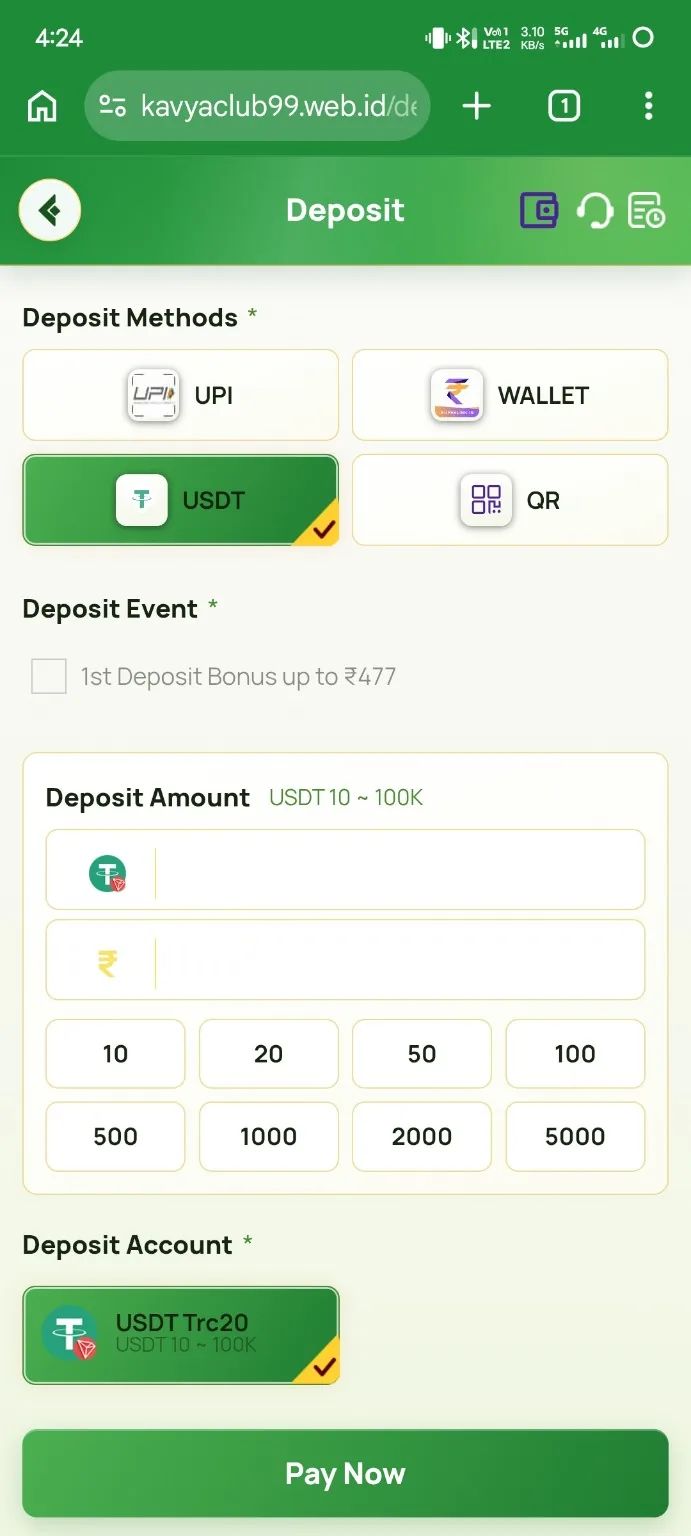
A crypto transfer has an additional risk: a valid-looking wallet address can belong to the wrong blockchain network. The USDT deposit guide uses the TRON TRC20 flow shown on the site. Before sending, confirm the selected network in both the Kavyaclub payment page and your wallet or exchange.
Copy the wallet address rather than typing it manually, then compare the first and last characters after pasting. Send the exact USDT amount requested by the order. If your wallet shows a network fee, remember that the amount received by the destination still needs to match the payment requirement.
Keep the transaction reference
For INR payments, keep the bank or UPI transaction reference. For USDT, keep the transaction hash. These references are much more useful than a statement such as “payment completed” because they identify the actual transfer. If a balance update is delayed, the reference and the Kavyaclub order details are the first items to collect before contacting support.
Payment information you should never share
A deposit guide may tell you where to enter an amount, but it does not require your UPI PIN, ATM PIN, wallet seed phrase or private key. Those credentials authorize access to your money and should stay inside your payment app or wallet. Be cautious if anyone asks you to install screen-sharing software to “help” with a deposit.
Choose the method you understand
There is no advantage in using a payment method you do not understand. INR can be simpler for people already comfortable with UPI or bank payments. USDT can be useful for people who already understand wallet addresses, networks and transaction hashes. Whichever method you choose, the basic rule is the same: verify the destination, network, amount and reference before considering the transaction complete.