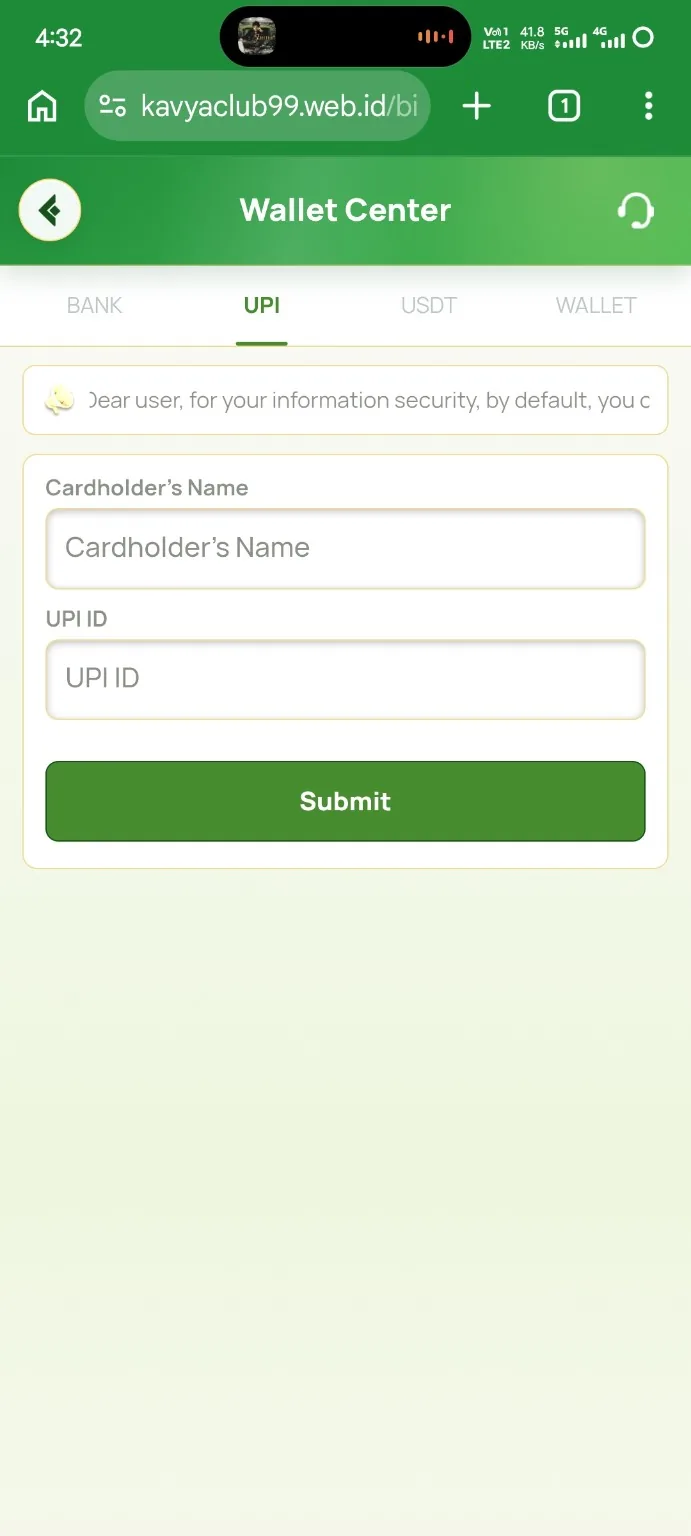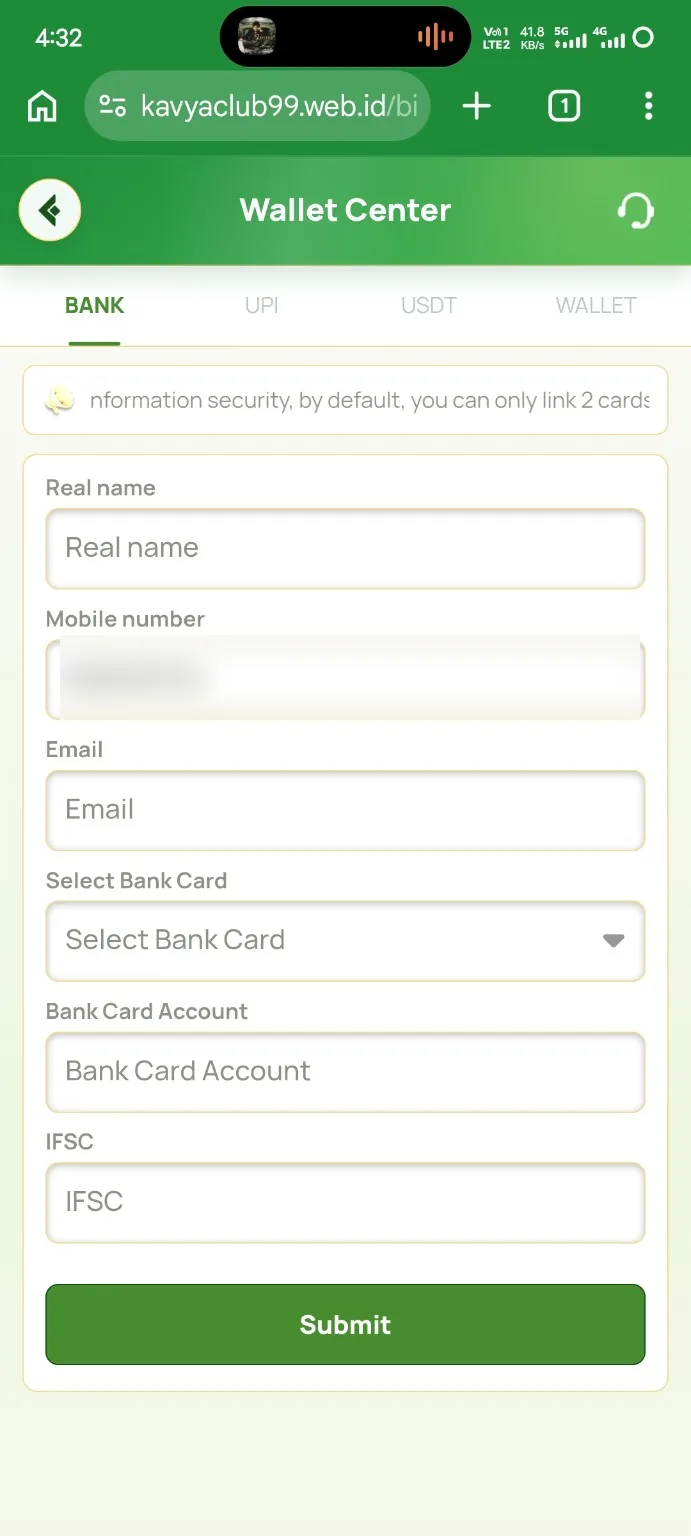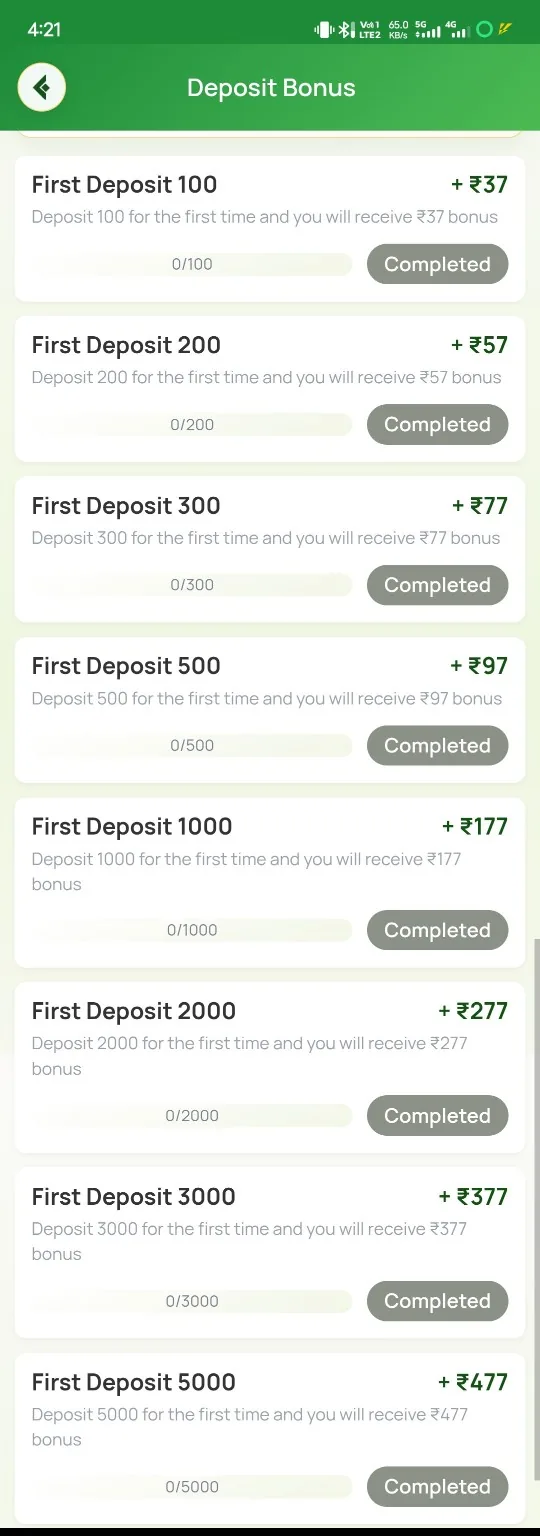
Overview
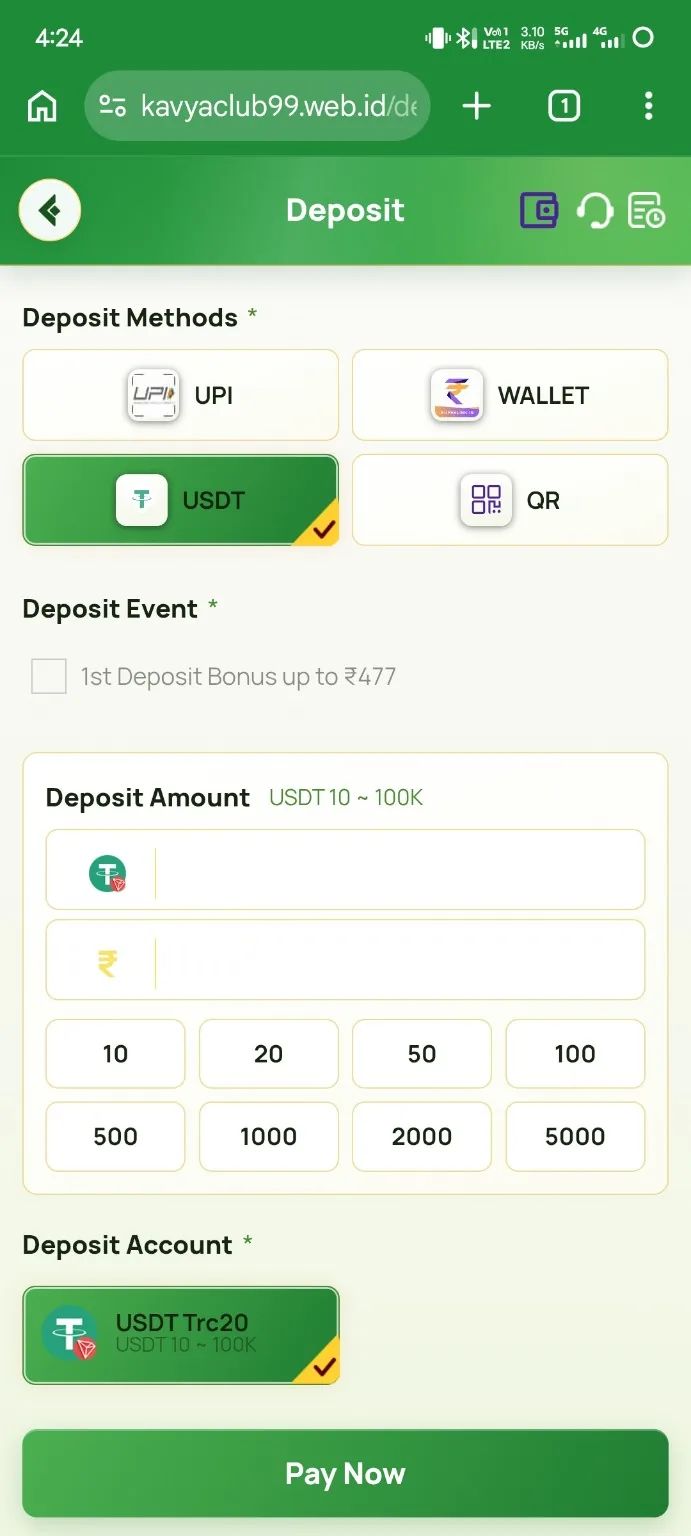
An INR deposit begins by selecting an available payment channel and entering an amount inside the displayed range. The next screen can provide a QR code or UPI details with a timer. Send the exact amount and keep the successful-payment proof.
Before you start
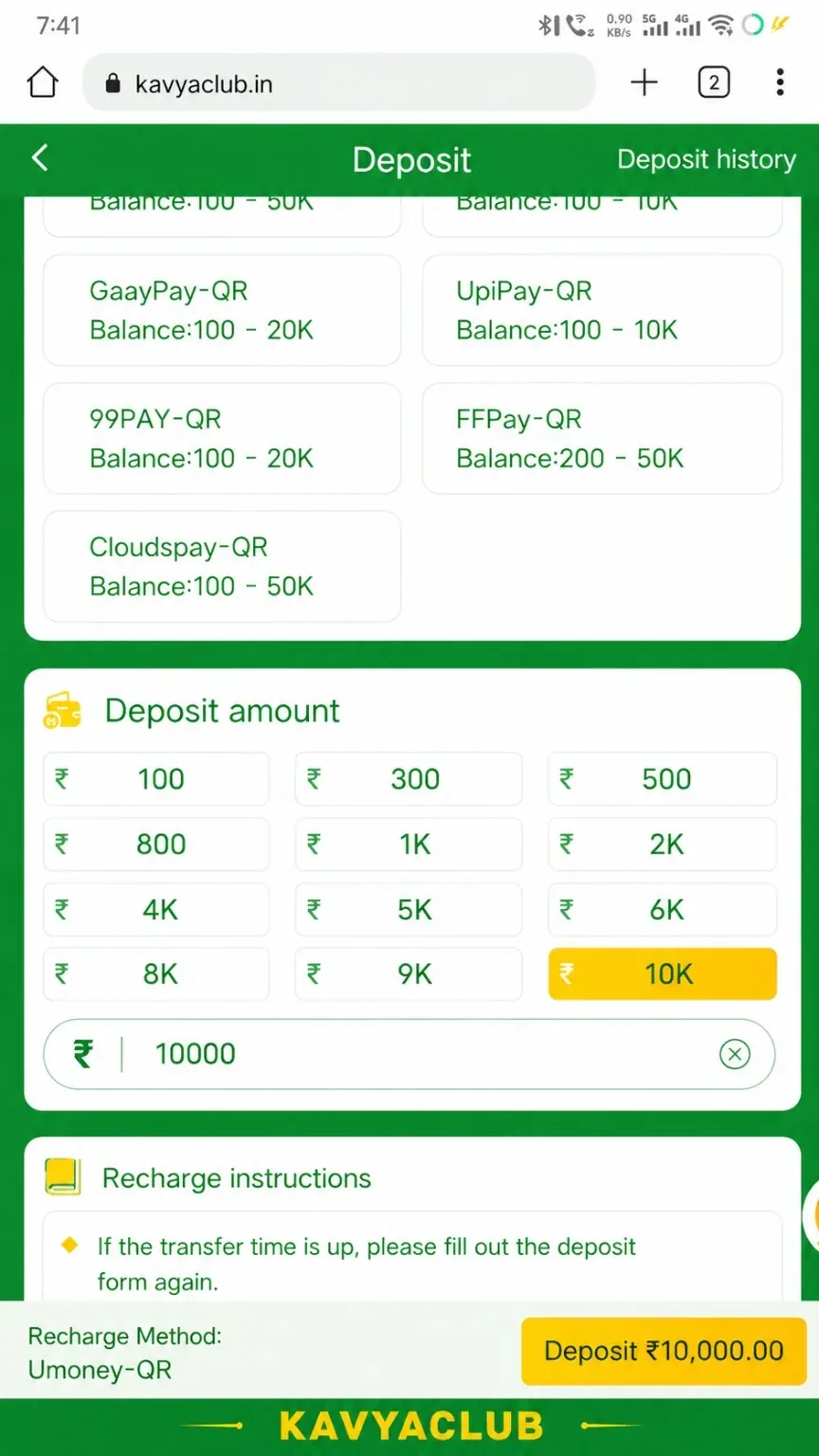
- Check the minimum and maximum amount shown for the selected channel.
- Use a UPI or bank account in your own name when required.
- Make sure the payment app has a stable connection.
Step-by-step instructions
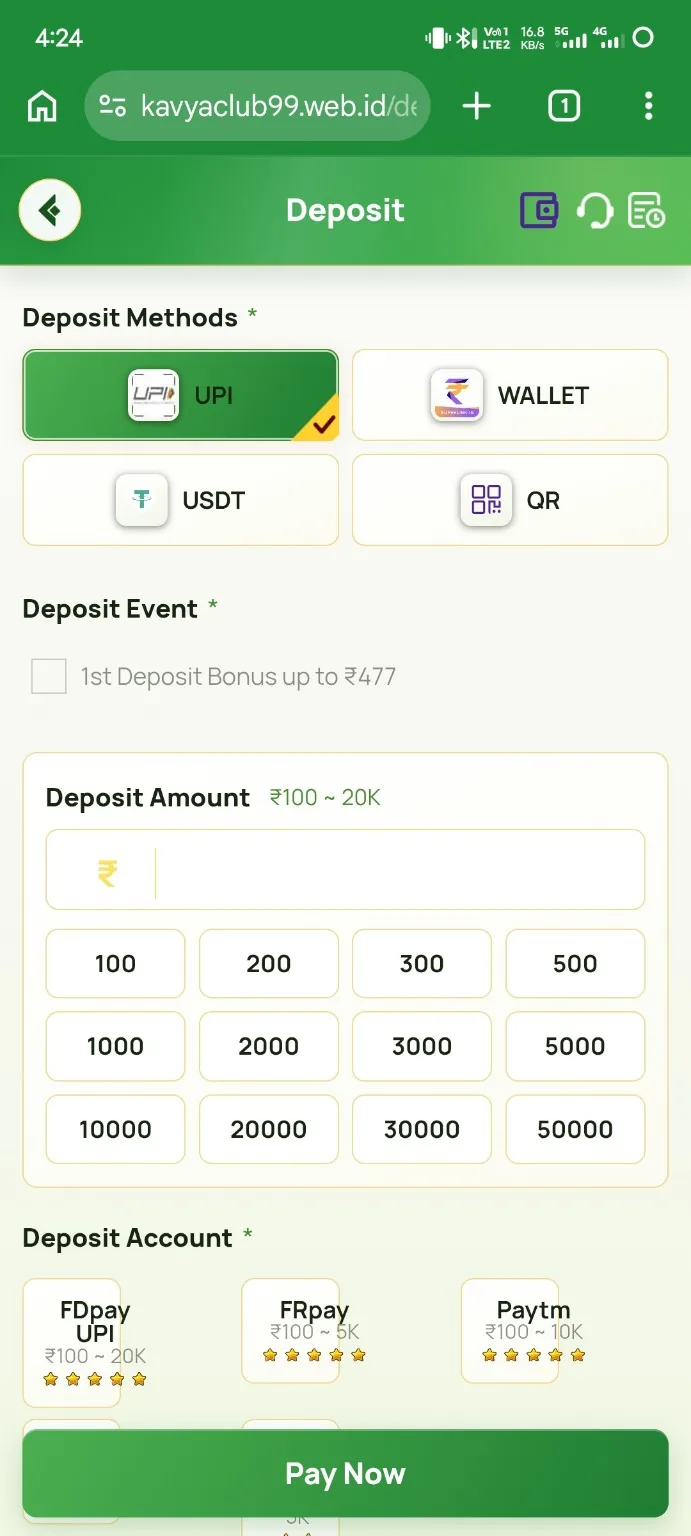
- Open Deposit and choose an INR channel that is currently available.
- Enter an amount within the stated range, then tap Deposit.
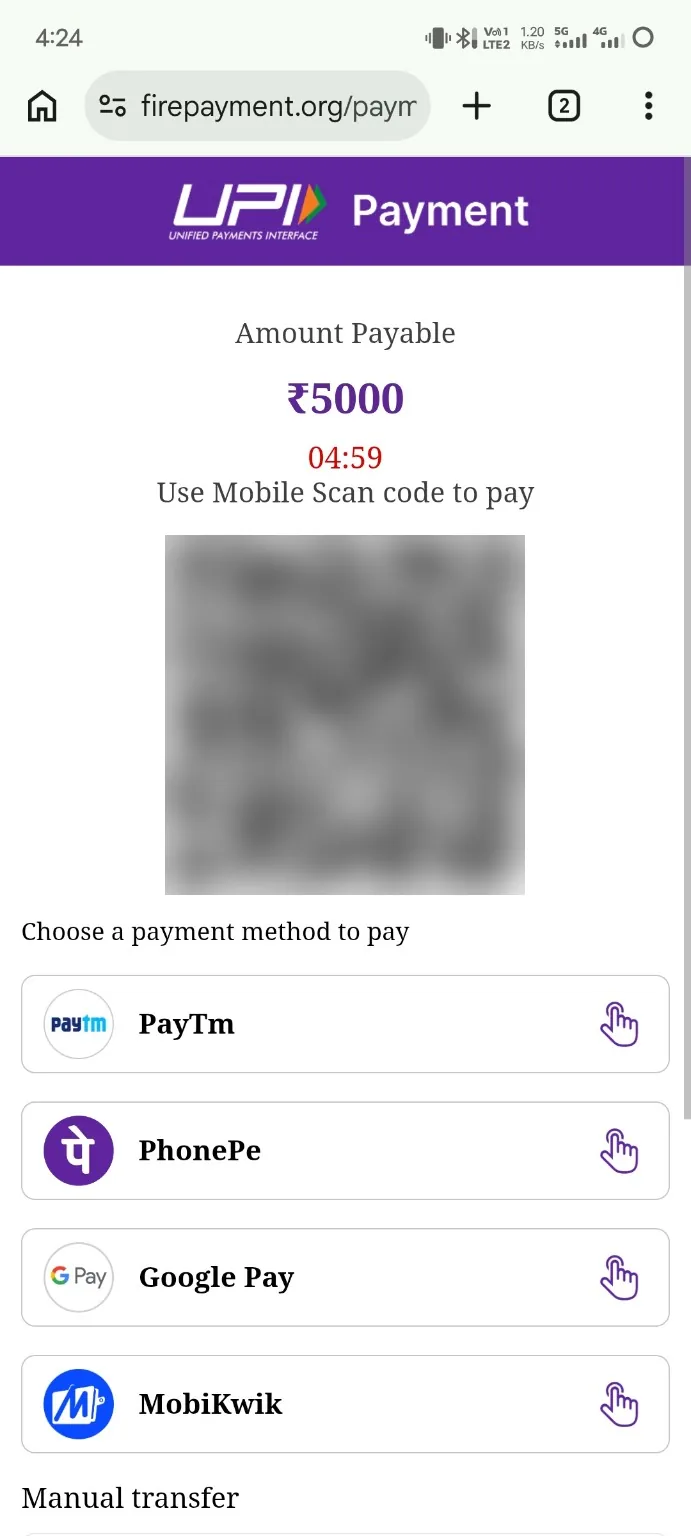
- On the payment page, note the countdown timer and exact payable amount.
- Scan the QR code or copy the UPI ID exactly as displayed.
- Pay the exact amount once; do not split or round the payment.
- Return to Kavyaclub, upload proof or enter a reference when requested, and submit before the timer ends.
- Keep the receipt until the member balance is updated.
Common problems and solutions
| Problem | What to check |
|---|---|
| Amount outside range | Choose another channel or change the amount to the permitted range. |
| Timer expired | Do not pay an expired order; create a fresh order and use the new details. |
| Paid but balance pending | Check successful payment status, reference number and submitted proof. |
| QR or UPI changes | Use only the details generated for the current order, not an old screenshot. |
Final checks
- Paid amount matches the order exactly.
- Payment shows Successful in the payment app.
- Reference and proof belong to the same order.
Safety notes
Important: Never send an INR payment to details received privately in chat. Use only the recipient generated on the live deposit order.
Related help
Use the related-guide cards below to continue with the next account, payment, game or safety step.
Frequently asked questions
Can I pay after the timer expires?
No. Generate a new order so the recipient and order reference are current.
Why must the amount be exact?
The system may match payments automatically by amount and order, so rounding or splitting can delay credit.
What proof should I keep?
Keep the success screen, transaction reference, amount, date and recipient details until credit is confirmed.