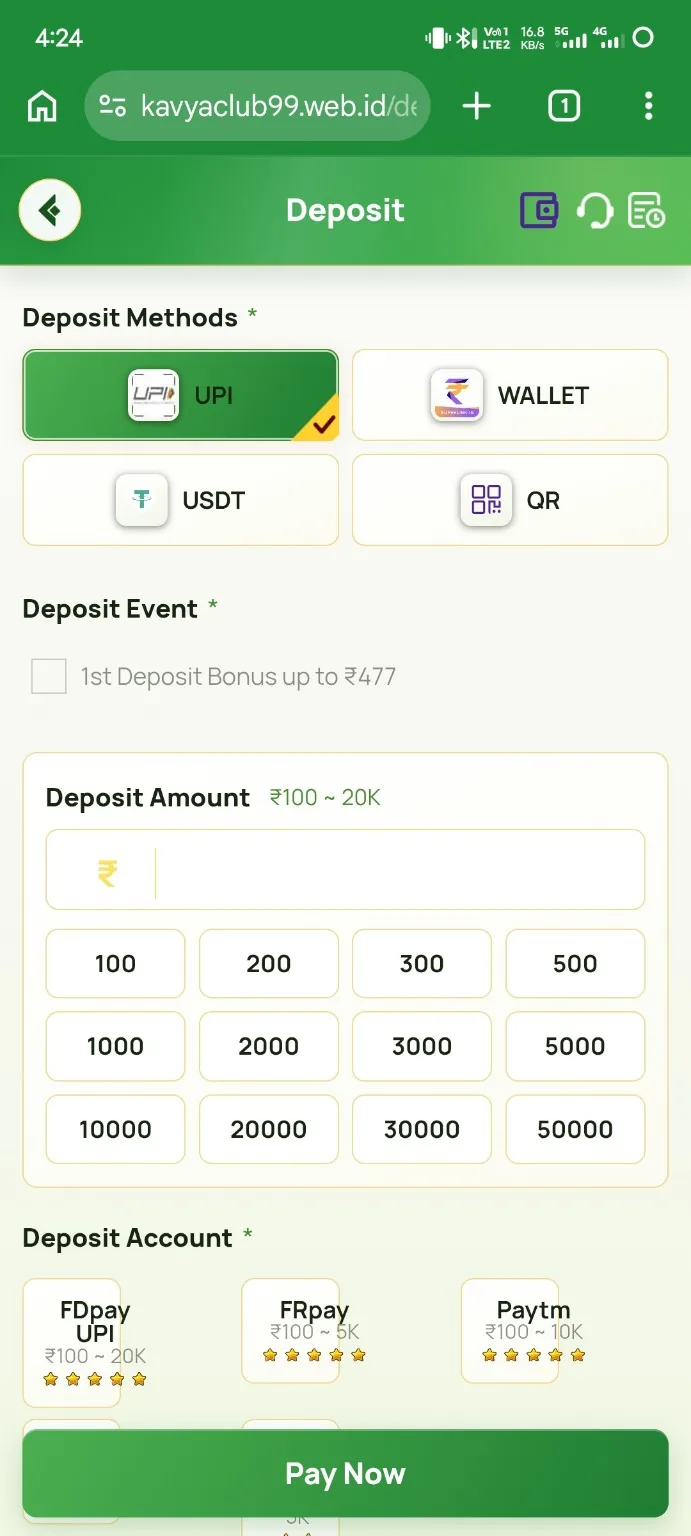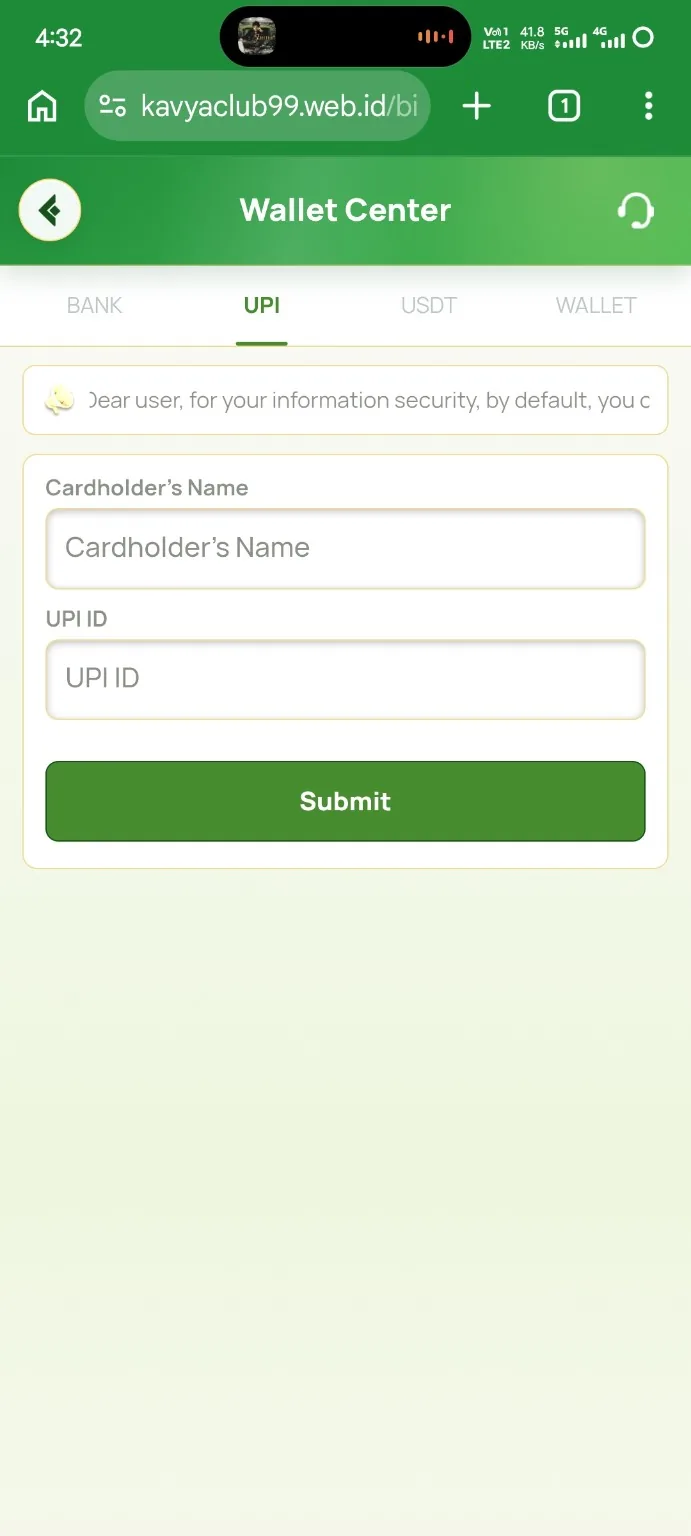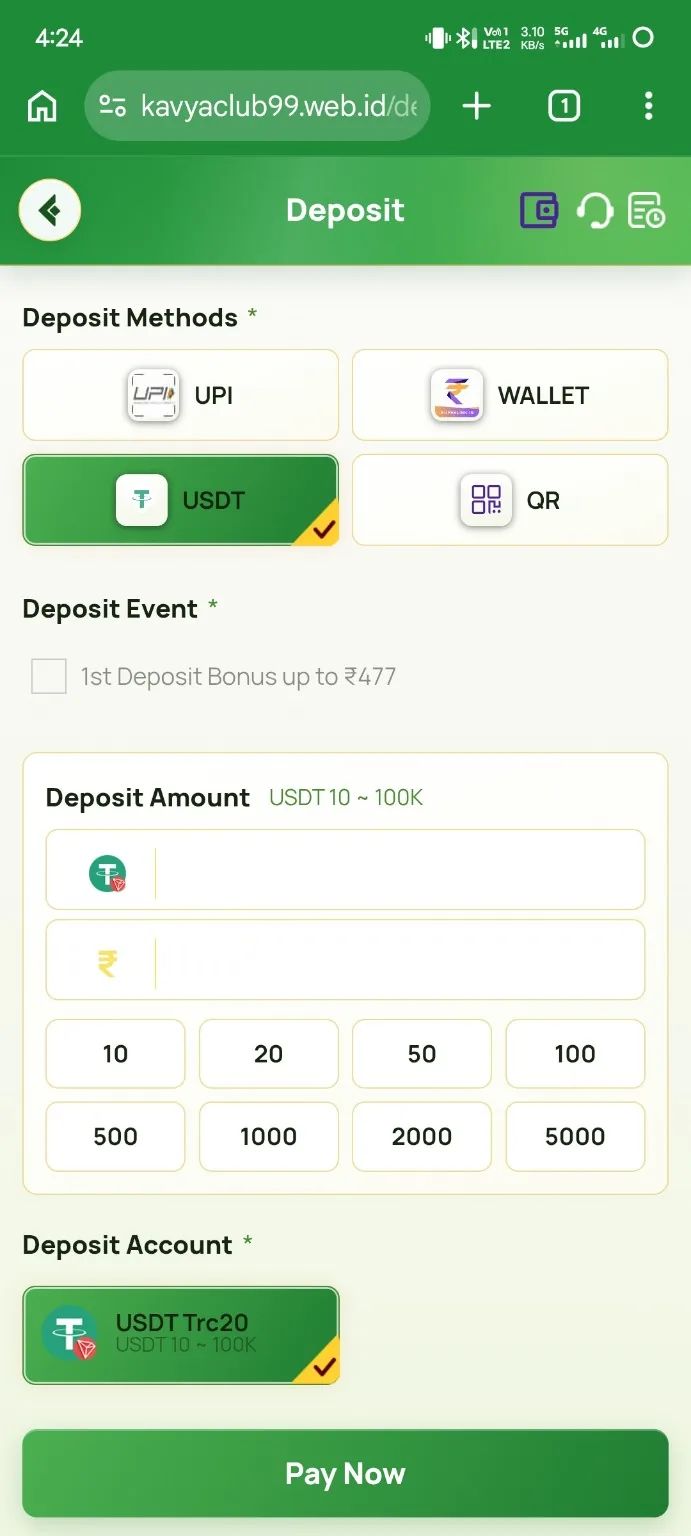
Overview
Bank details must match the receiving account. A wrong account number or IFSC can cause rejection or transfer to an unintended account, so copy the details from a bank statement, passbook or official banking app.
Before you start
- Use an account permitted by the platform's account-holder rules.
- Open the official banking app or statement for accurate details.
- Check whether saved bank information can be changed later.
Step-by-step instructions
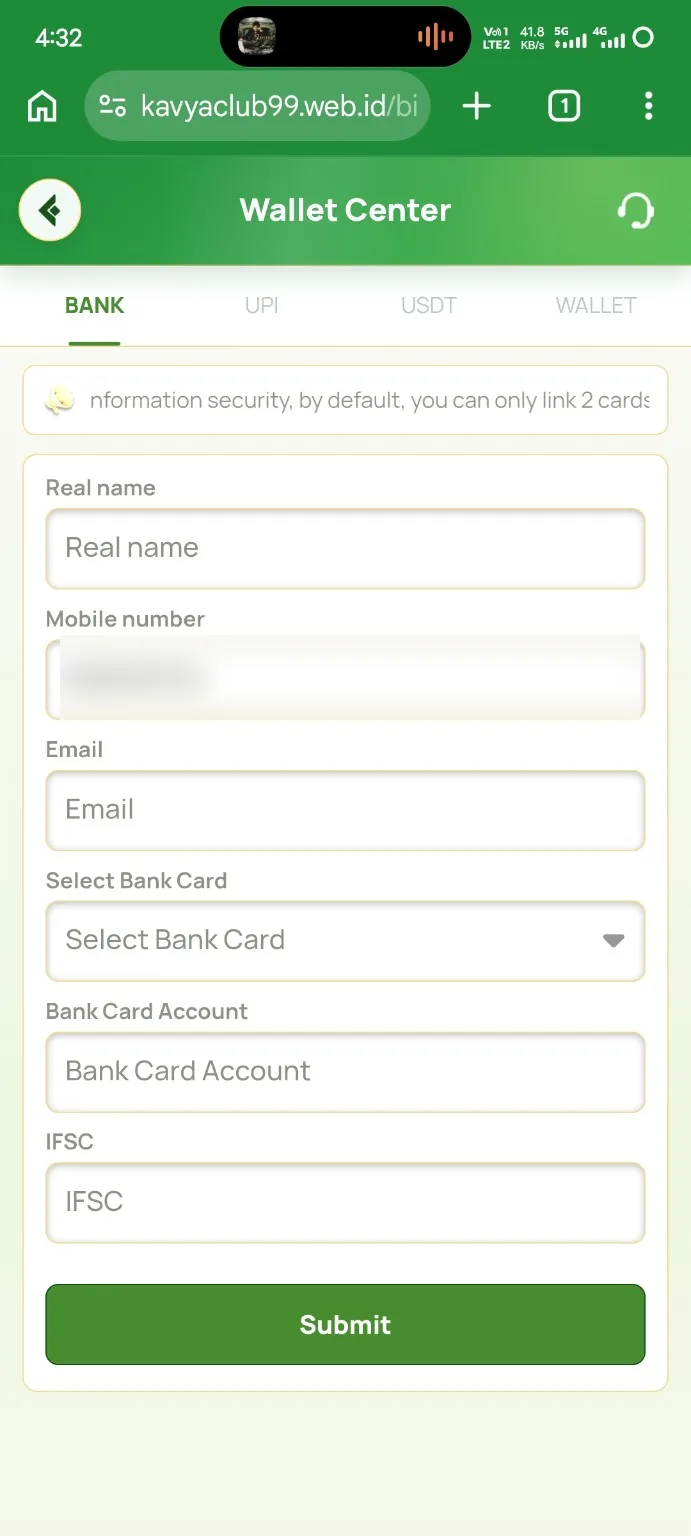
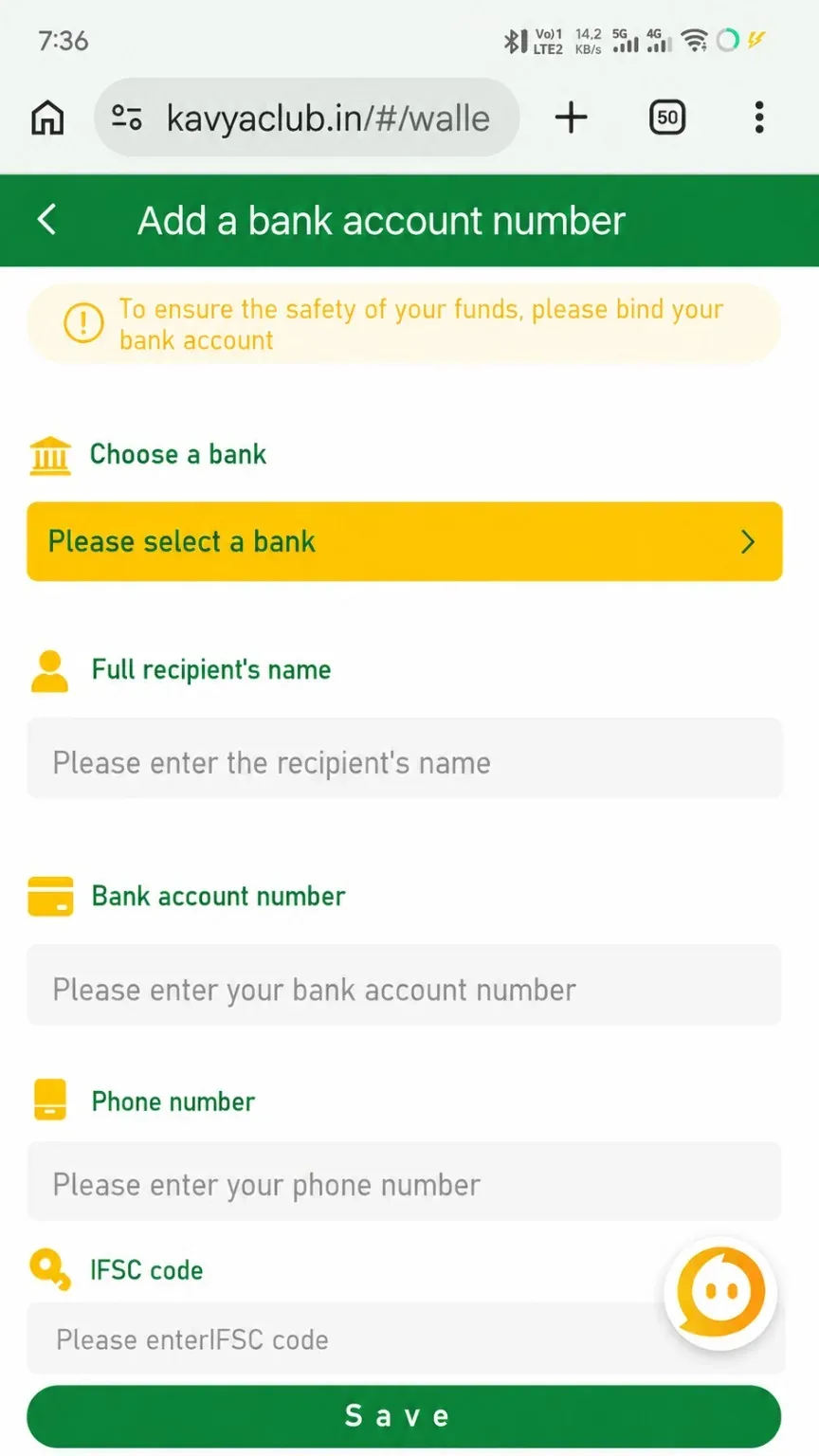
- Open Profile or Payment Methods and choose Add bank account.
- Select the correct bank from the list.
- Enter the full account-holder name exactly as recorded by the bank.
- Type the account number carefully and re-check every digit.
- Enter the linked phone number if the form requires it.
- Enter the IFSC code using the official bank record.
- Review all details and tap Save once.
Common problems and solutions
| Problem | What to check |
|---|---|
| IFSC invalid | Confirm the branch code from the official banking source and distinguish letters from numbers. |
| Account holder mismatch | Use the full bank-record name, including required middle or last names. |
| Account number rejected | Remove spaces and re-check the digit count. |
| Wrong bank selected | Do not proceed; select the exact bank and branch details before saving. |
Safety notes
Important: Never share internet-banking passwords, debit-card PINs, CVV, OTPs or UPI PINs while adding a bank account.
Related help
Use the related-guide cards below to continue with the next account, payment, game or safety step.
Frequently asked questions
Where can I find the IFSC?
It appears in the banking app, statement, passbook or the bank's official branch information.
Can I use a nickname as holder name?
Use the legal account-holder name recorded by the bank.
What if I saved the wrong account?
Do not request a transfer to it. Use the platform's verified edit or support process immediately.