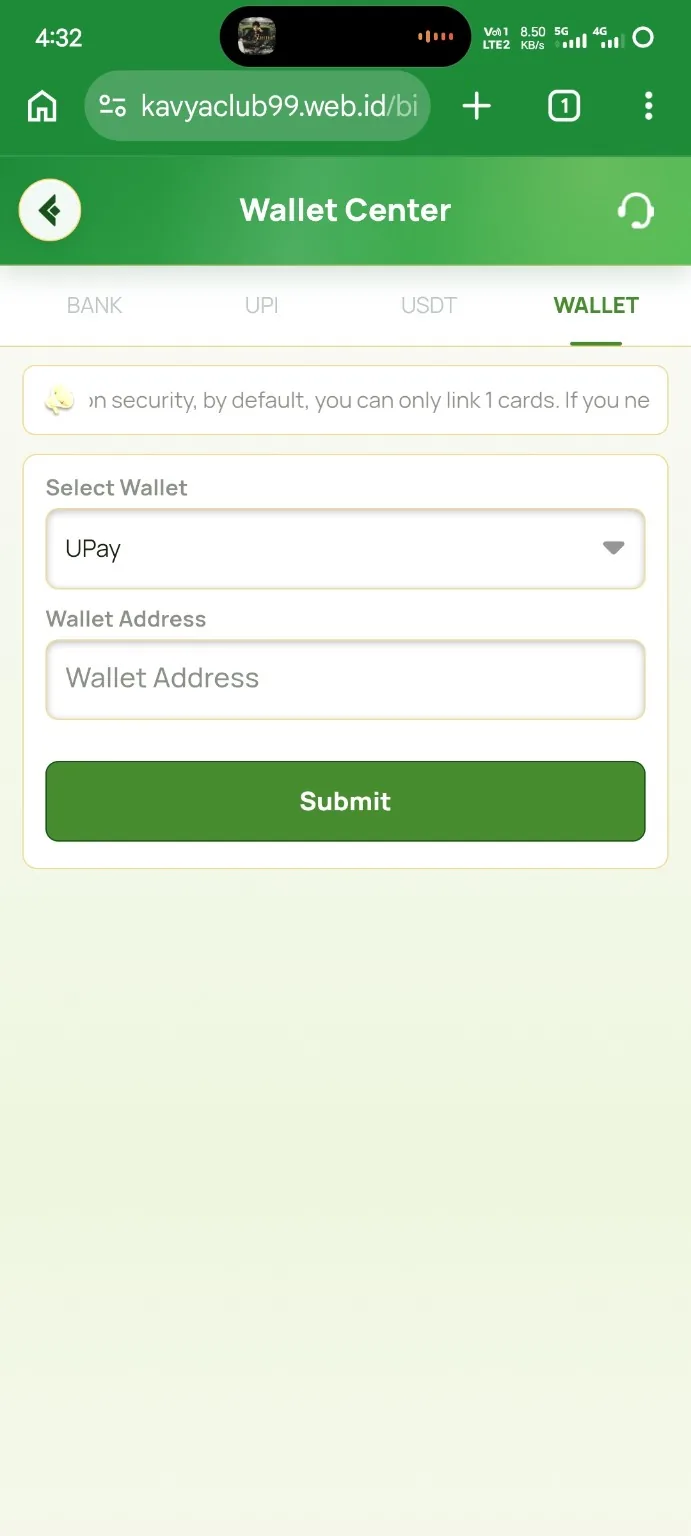
Where the UPay wallet option appears
Open Wallet Center and select the WALLET tab. In the supplied Kavyaclub screen, the Select Wallet field shows UPay and the form asks for a Wallet Address. This guide documents that interface only. Available wallet providers and linking rules can change, so the live Wallet Center page in your own account is the final reference.
How to add a UPay wallet
- Open the Kavyaclub Wallet Center from your account.
- Choose the WALLET tab rather than BANK, UPI or USDT.
- Open Select Wallet and choose UPay when it is available.
- Open your own UPay account and copy the wallet address intended for receiving or identifying the supported wallet connection.
- Paste that address into the Kavyaclub Wallet Address field.
- Compare the beginning and end of the pasted value with the value shown in your wallet. Remove accidental spaces or line breaks.
- Tap Submit once and complete any account verification that appears on the live screen.
Important wallet-address checks
A wallet address should be copied from your own account, not typed from memory or copied from a chat message. If the address changes after you paste it, stop and re-check the device and clipboard before saving. Never enter a recovery phrase, private key, OTP, password or payment PIN into the Kavyaclub wallet-address field.
Using the saved wallet for an RPL deposit
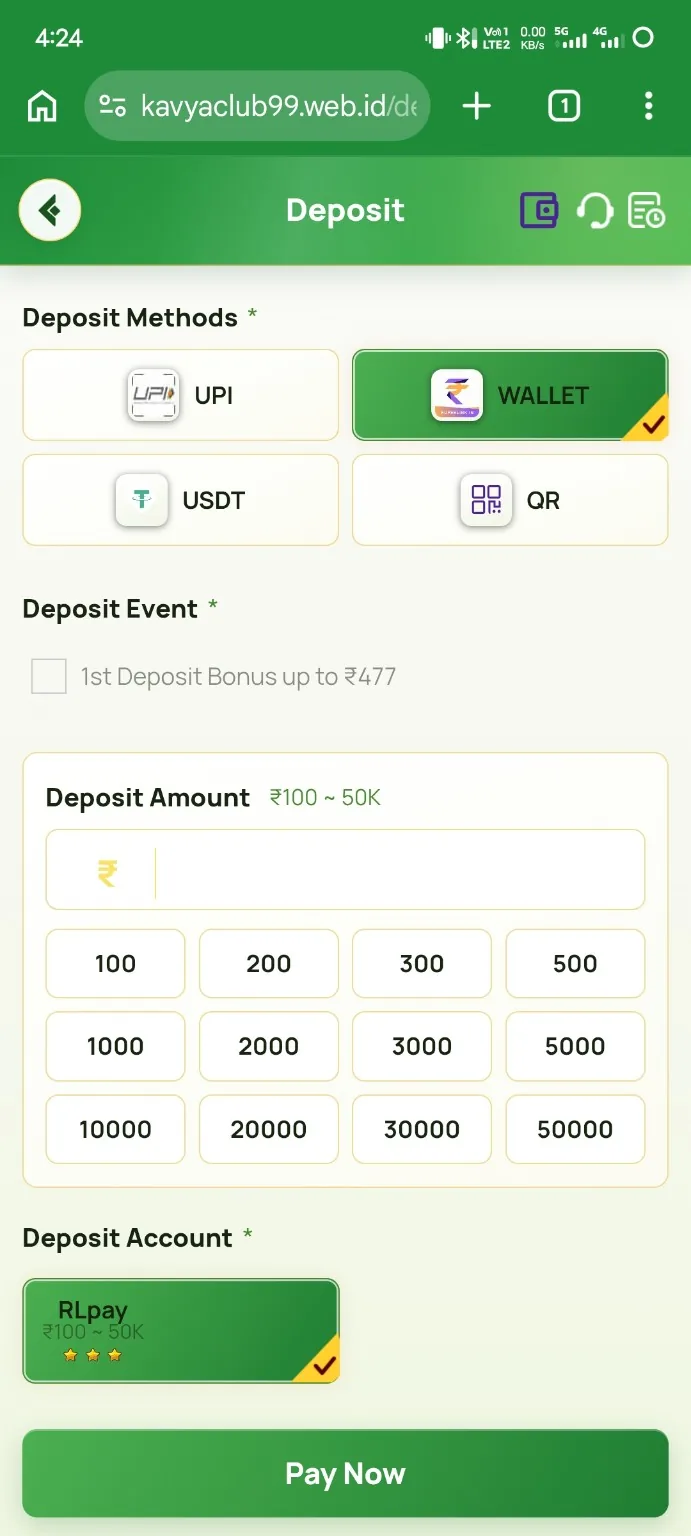
When the Wallet payment method is available on the Deposit page, follow the live order details and amount shown for that transaction. The Kavyaclub RPL deposit guide shows the separate deposit flow. A saved wallet address does not make an old QR code or expired order reusable.
Other Wallet Center methods
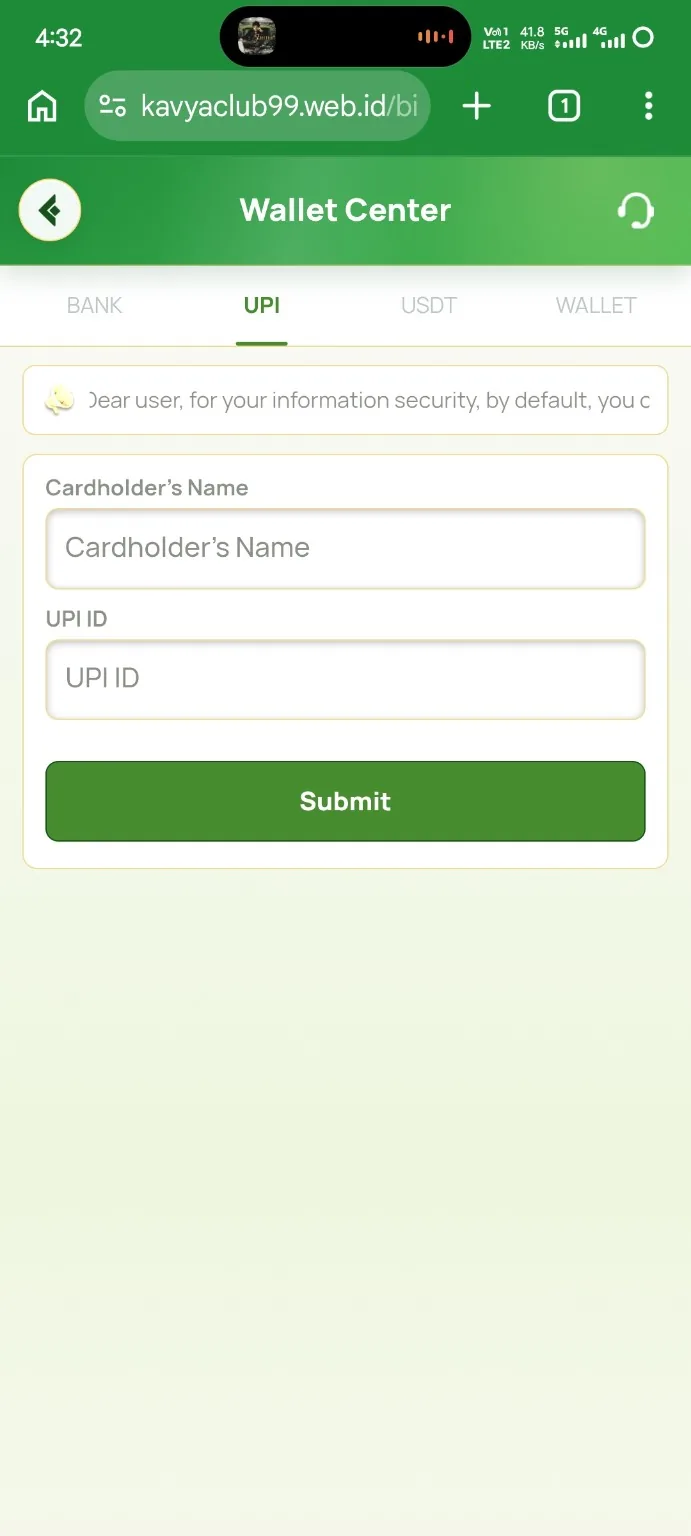
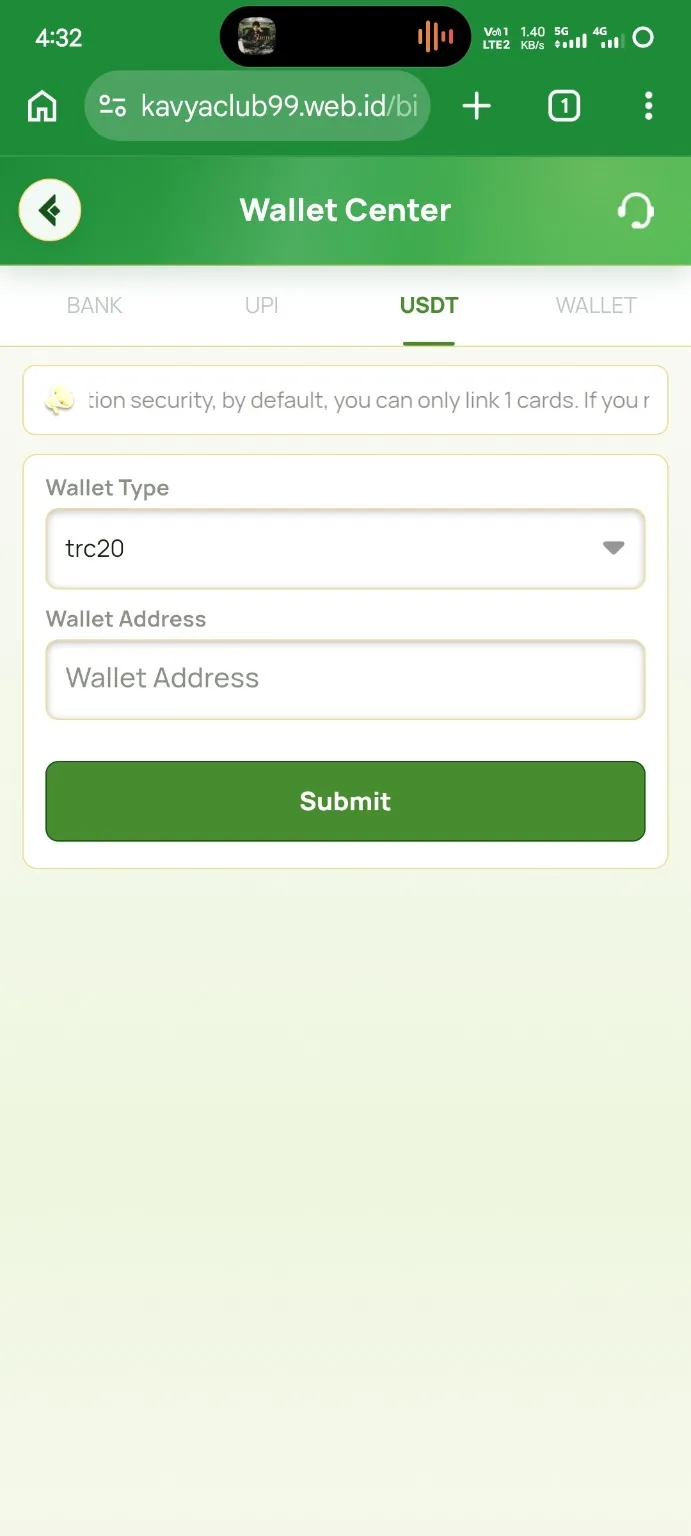
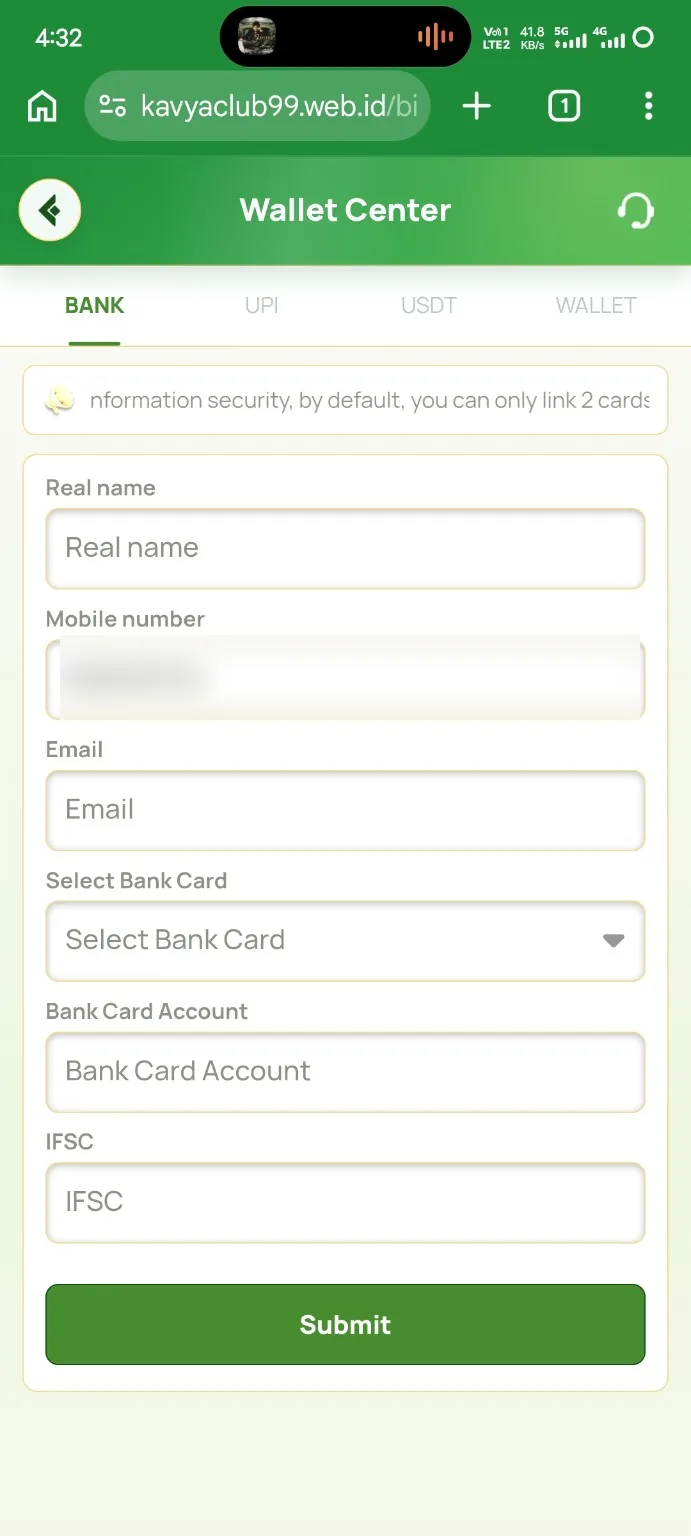
You can also review the bank account guide, UPI ID guide and USDT TRC20 address guide for the other tabs shown in Wallet Center.
Frequently asked questions
Where do I add a UPay wallet?
Open Wallet Center, select the WALLET tab, choose UPay when available and enter the wallet address requested by the live form.
Should I type the wallet address manually?
Copy it from your own wallet and compare the beginning and end after pasting. Manual typing increases the risk of an address error.
Can support ask for my wallet recovery phrase?
No. Never share a recovery phrase, private key, password, OTP or payment PIN to add or verify a wallet address.